Service Catalog
The service catalog lets you deploy packaged software without building an application from a repository.
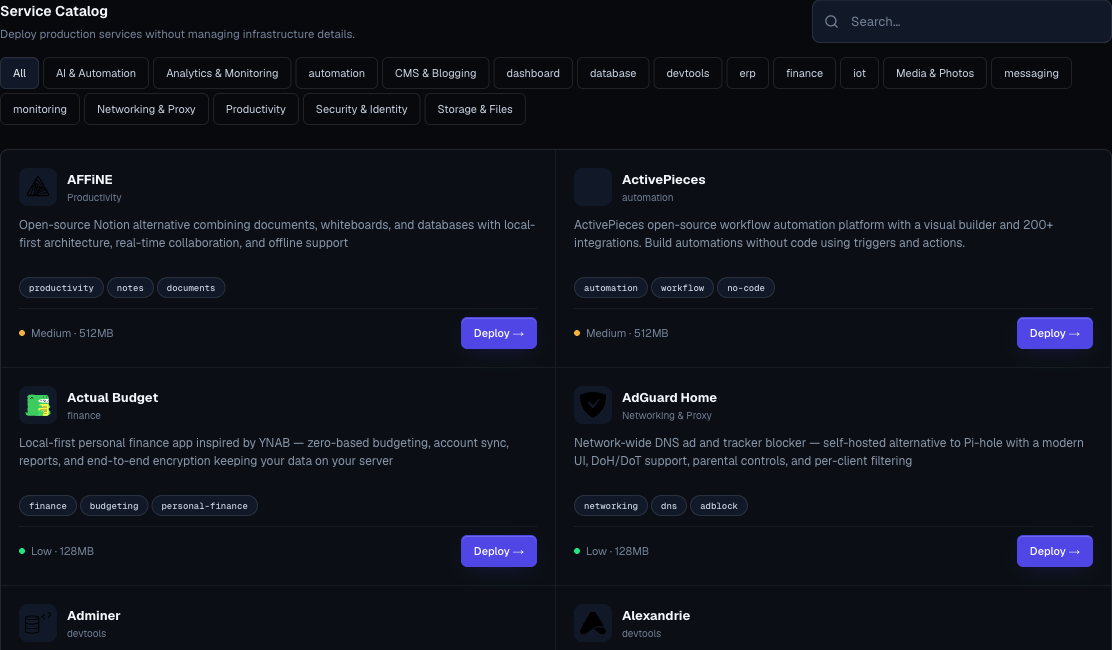
Catalog services include databases, AI tools, analytics, automation, CMS platforms, identity systems, storage tools, development tools, monitoring, dashboards, and productivity software.
Catalog Layout

Each catalog card shows:
- Service name.
- Category.
- Description.
- Tags.
- Complexity.
- Minimum memory estimate.
- Deploy action.
- Archived status when a template should not be used for new work.
Use search when you know the service name. Use category chips when you are exploring options.
Common Categories
| Category | Examples Of What You Can Build |
|---|---|
| AI | Chat UIs, agent builders, model gateways, vector databases, evaluation tools, translation, and search tools. |
| Analytics | Product analytics, dashboards, data exploration, privacy-friendly web analytics. |
| Automation | Workflow automation, schedulers, job runners, event systems. |
| Databases | SQL, document, cache, queue, search, and vector stores. |
| CMS | Blogs, documentation systems, headless CMS, wikis, content platforms. |
| Development | Framework starters, low-code tools, admin panels, Git tools, API tools, registries, and internal developer apps. |
| Security | Identity providers, password managers, access tools, and secure sharing. |
| Storage | File managers, object storage tools, sync tools, and document systems. |
| Monitoring | Uptime, metrics, logs, and alerting apps. |
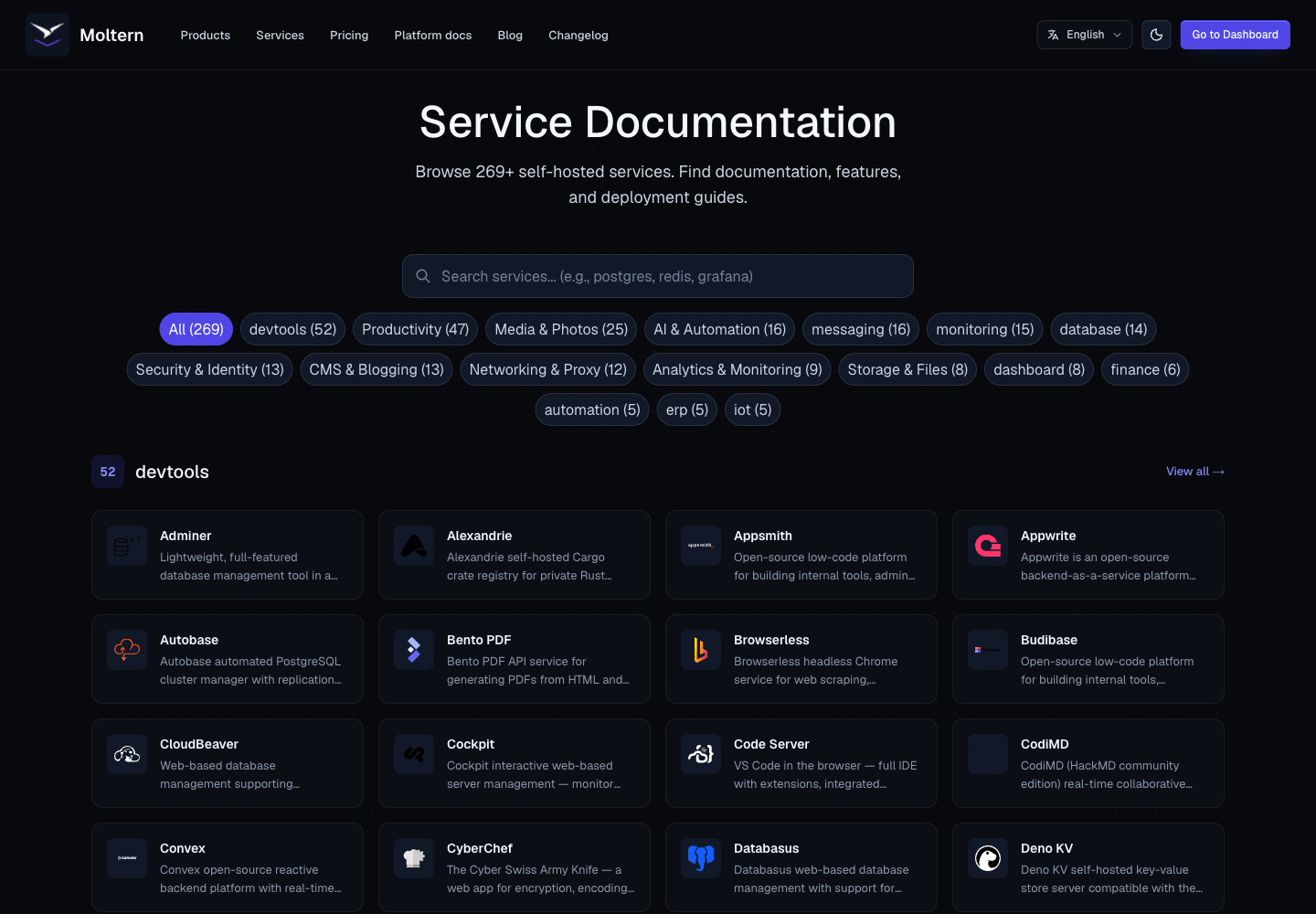
The in-app service docs page is the best place to browse the complete live catalog, because it reflects the services currently available in your workspace.
Choosing A Service
Before clicking deploy, decide:
- Why this service is needed.
- Which environment should own it.
- Whether it stores data.
- Whether it needs a public URL.
- Which variables are required.
- Whether it depends on another service.
- Who owns upgrades and recovery.
- Whether the workspace plan has enough quota.
For development framework starters, also decide whether you need terminal access for one-off framework commands. Terminal access is available on supported development services after the service is running.
Service Variants
Some catalog services offer variants. A variant is a predefined setup option, such as:
- A version with a bundled database.
- A version that connects to an external database.
- A lightweight or full setup.
- A recommended default.
When variants are available, Moltern shows a picker before deployment. Choose the simplest variant that satisfies the workload. For production, prefer variants with clear ownership for storage, credentials, backup, and recovery.
Archived Services
Archived catalog cards are visible for reference but should not be used for new production work unless your team has a specific reason. Prefer current templates when building new services.