Scaling And Storage
Moltern lets supported workloads change size from the UI. Apps, services, databases, and coding agents can also use durable workspace storage when the workload needs files or data to survive restarts.
Application Sizing
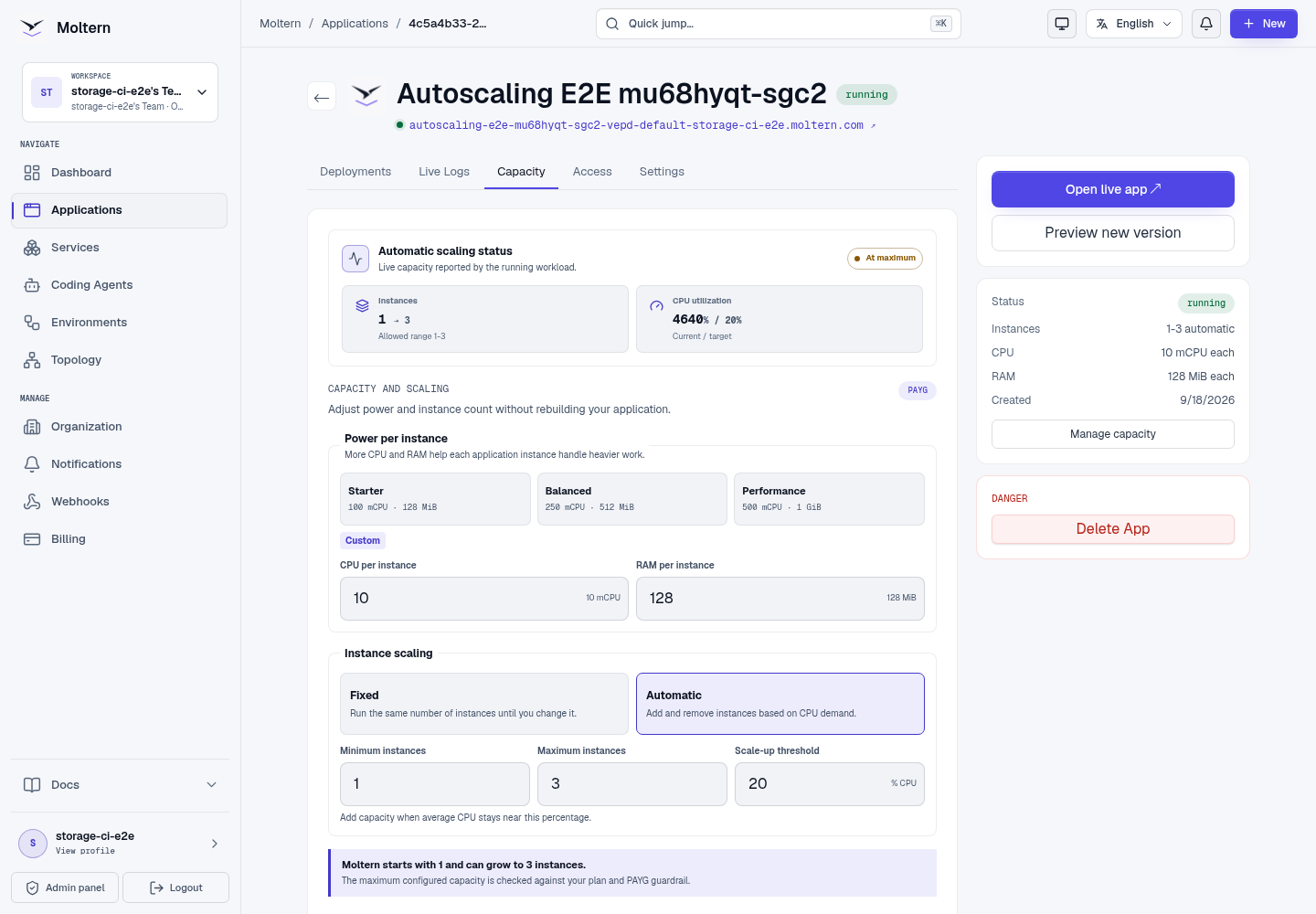
Supported web service applications can adjust:
- CPU and RAM for each instance.
- A fixed number of instances.
- Automatic instance scaling with minimum and maximum limits.
- The CPU threshold that tells Moltern when to add capacity.
You can choose initial capacity while creating an application or change it later from the application page. Static sites do not need runtime instances, so these controls are shown only for applications with a running process.
The resize panel includes:
- Current values.
- Proposed values.
- Monthly run estimate.
- Plan impact.
- Warnings or violations.
- Apply button when the preview is allowed.
When automatic scaling is enabled, the preview and plan check use the maximum instance count. This shows the highest configured capacity before you apply the change, even when the application is currently running at its minimum.
Service Sizing
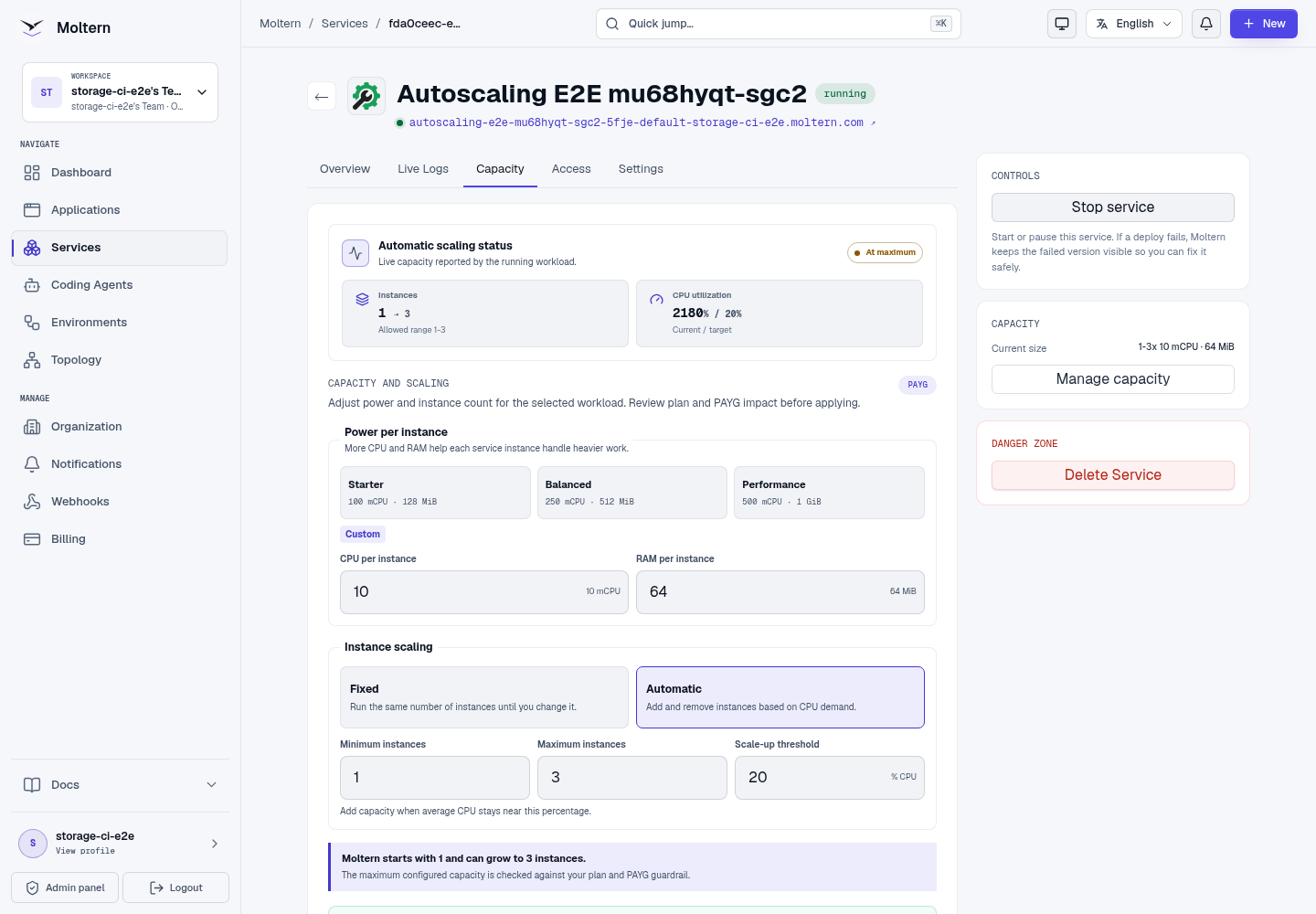
Supported services can adjust:
- Replicas.
- CPU per replica.
- RAM per replica.
- Storage when the service supports it.
- Autoscaling when the service supports multiple replicas.
Open the service and select Capacity. Choose a power preset or enter CPU and RAM directly, then select fixed or automatic instance scaling when the service supports it. Moltern does not apply the change until you review the plan and PAYG impact and confirm it.
Service storage growth may be one-way. If the UI warns that storage can grow but not shrink automatically, treat the change as permanent for planning purposes.
When a service creates managed dependencies, such as a database or cache, use the workload selector at the top of the Capacity tab to resize the main service or one of its dependencies. You can also choose Configure beside a dependency on the Overview tab to open it directly in Capacity.
Automatic scaling is optional for supported services and web service applications. When enabled, choose a minimum instance count, maximum instance limit and CPU target. Moltern checks the maximum instance limit in the preview so you can see the highest quota and PAYG impact before applying the change.
Automatic Instance Scaling
Automatic instance scaling is available only for workloads that Moltern can run safely as multiple independent instances. Supported web service applications can use it. Catalog services expose the option only when that service has been explicitly approved for horizontal scaling. Databases and other singleton or stateful services remain fixed-size.
The policy has three controls:
- Minimum instances keeps a baseline available during quiet periods.
- Maximum instances limits both burst capacity and potential spend.
- CPU target determines when Moltern should add or remove instances.
Enable automatic scaling
Before starting, the workload must be running, support multiple independent instances, and have enough plan capacity or PAYG allowance for the maximum you select.
- Open the application or service and select Capacity.
- Choose Automatic instance scaling. When this choice is absent, the workload is not eligible for automatic scaling.
- Set the minimum instances, maximum instances, and CPU target.
- Select Review change and check the maximum capacity and billing impact.
- Apply the change, then keep Capacity open until the observed state becomes Active.
- During expected traffic, confirm Current -> desired changes within your limits and that the workload remains healthy.
The Capacity tab separates your configured policy from the state Moltern currently observes:
| State | Meaning |
|---|---|
| Configuring | The policy exists, but the first resource reading or runtime observation is still pending. |
| Active | Resource readings are available and the workload can adjust within its limits. |
| At maximum | Demand reached the maximum you selected. Increase the limit only after reviewing capacity and billing impact. |
| Metric unavailable | Moltern cannot safely calculate a change. Existing instances stay visible, and new automatic-scaling changes are blocked until measurement recovers. |
| Disabled | The workload uses the fixed instance count shown in Capacity. |
Scale-up is deliberately responsive. Scale-down waits for demand to remain low before removing instances, which reduces rapid changes during short traffic dips. The status display shows current and desired instances so you can distinguish a requested change from instances that are already ready.
Moltern checks plan capacity against the configured maximum before enabling automatic scaling. Runtime metering uses the instances that actually run, while the maximum remains a spending and admission guardrail. PAYG usage applies only when it is enabled for the workspace.
Troubleshoot automatic scaling
- The Automatic option is missing: the application type or catalog service is not approved for multiple instances. Keep fixed capacity; do not treat this as a browser error.
- Metric unavailable: Moltern cannot make a safe scaling decision. Existing instances remain visible, and policy changes are blocked until measurement recovers. Retry later or contact the platform administrator if it persists.
- At maximum: the workload has reached the spending and capacity limit you selected. Review health and Billing before raising the maximum.
- Configuring does not clear: wait for the first runtime observation, then refresh Capacity. If the workload is unhealthy, review live logs before submitting another capacity change.
Workspace Storage Model
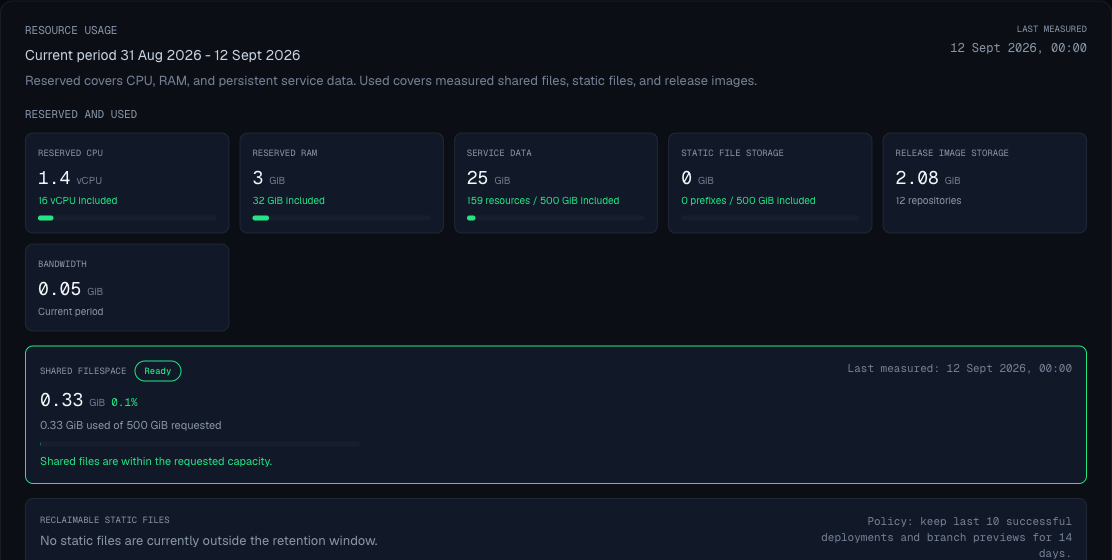
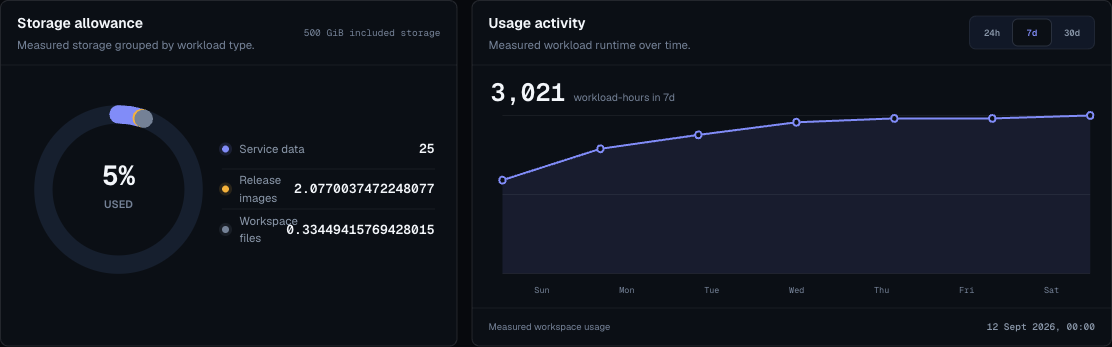
Workspace storage is the customer-facing storage pool shown in Billing. Moltern records storage usage by workload so you can understand which apps, services, databases, static releases, and agent workspaces are using space.
The main storage categories are:
| Category | What It Covers | Where To Manage It |
|---|---|---|
| Application files | Files mounted into web service apps, such as uploads or generated reports. | Application settings and Billing. |
| Service files | Files created by CMS, productivity, automation, or developer services. | Service settings and Billing. |
| Database data | Data owned by database services. | Service detail pages and protected connection details. |
| Static releases | Built static application output kept for serving and rollback. | Application deployments and Billing cleanup. |
| Agent workspaces | Files, provider login state, and shell history kept for persistent coding agents. | Coding agent settings and measured workspace usage in Billing. |
Storage readings can update after the next measurement run. If a metric says it is being validated or is temporarily unavailable, use the workload status and the latest measured storage rows as the current source of truth.
Resize Workflow
- Open the workload detail page.
- Enter the proposed size.
- Click Review change.
- Read plan impact and warnings.
- Open Billing if the preview is blocked.
- Apply only after the preview is allowed.
- Watch status until the workload returns to running.
Instances
Instances run multiple copies of a web service application or supported service. Some technical screens and APIs may refer to these copies as replicas.
Increase replicas when:
- The app needs more concurrency.
- You want better availability during normal traffic.
- The app is stateless or safely handles multiple instances.
Do not increase replicas when:
- The app writes to local files without shared storage.
- The app assumes only one process is running.
- The database or external dependency cannot handle extra traffic.
For automatic scaling, use the lowest minimum that keeps the workload responsive and set the maximum to the highest burst you are willing to pay for. Usage above the included plan allowance is handled by PAYG only when the workspace plan and billing settings allow it.
Before enabling automatic scaling, confirm that the workload does not depend on one process owning local state. Use a managed database or supported shared storage for persistent data, and keep cache or session behavior safe across multiple instances.
CPU And RAM
Increase CPU or RAM when:
- The app is slow under expected load.
- The app is killed or crashes because it lacks memory.
- A build or runtime process needs more capacity.
Prefer measured changes:
- Change one dimension at a time.
- Preview cost impact.
- Apply.
- Watch behavior.
- Keep a note of why the size changed.
Shared Filespace
Shared filespace is available for supported web service applications and many catalog services.
Use it for:
- User uploads.
- Generated reports.
- Runtime assets that must persist after redeploy.
- Files consumed by the app from a mounted path.
Avoid it for:
- Cache data that can be regenerated.
- Secrets.
- Large unplanned dumps.
Use database services for databases. They receive a dedicated private data area inside the workspace storage model and expose connection details through the protected service settings flow.
Read-Only Filespace
Use read-only mode when the app should consume mounted files but not modify them.
Use read/write mode when the app must create or update files.
Storage And Billing
Storage can affect plan limits and usage. Before adding or growing storage:
- Confirm the workload owner needs persistent files.
- Check current storage usage in billing.
- Review whether the storage can be reduced later.
- Document cleanup expectations.
If a deploy or resize needs more storage than the current plan includes, Moltern blocks the action before changing the workload. Open Billing to review the included allowance, enable eligible pay-as-you-go overages, set a cap, or remove unused workloads and stored data.
Storage Cleanup
Deleting a workload can remove the runtime and its stored data, or keep data temporarily when the delete flow offers that option.
Deleting an automatically scaled workload also removes its scaling policy. It no longer reserves maximum instance capacity or appears in active workload usage after cleanup completes.
Before deleting a stateful workload:
- Check whether the data is still needed.
- Export or back up important data using the service's own tools.
- Review the delete preview.
- Choose the cleanup option that matches the recovery plan.
- Recheck Billing after the next measurement run.
Cleanup Checklist
- Delete unused preview environments.
- Delete abandoned services.
- Delete unused coding agents and persistent workspaces.
- Remove old static releases only when rollback is no longer needed.
- Review reclaimable storage in billing.
- Right-size services after experiments.
- Keep owner notes for stateful services.