Create An Application
Use Applications -> New App to create a Git-backed workload.
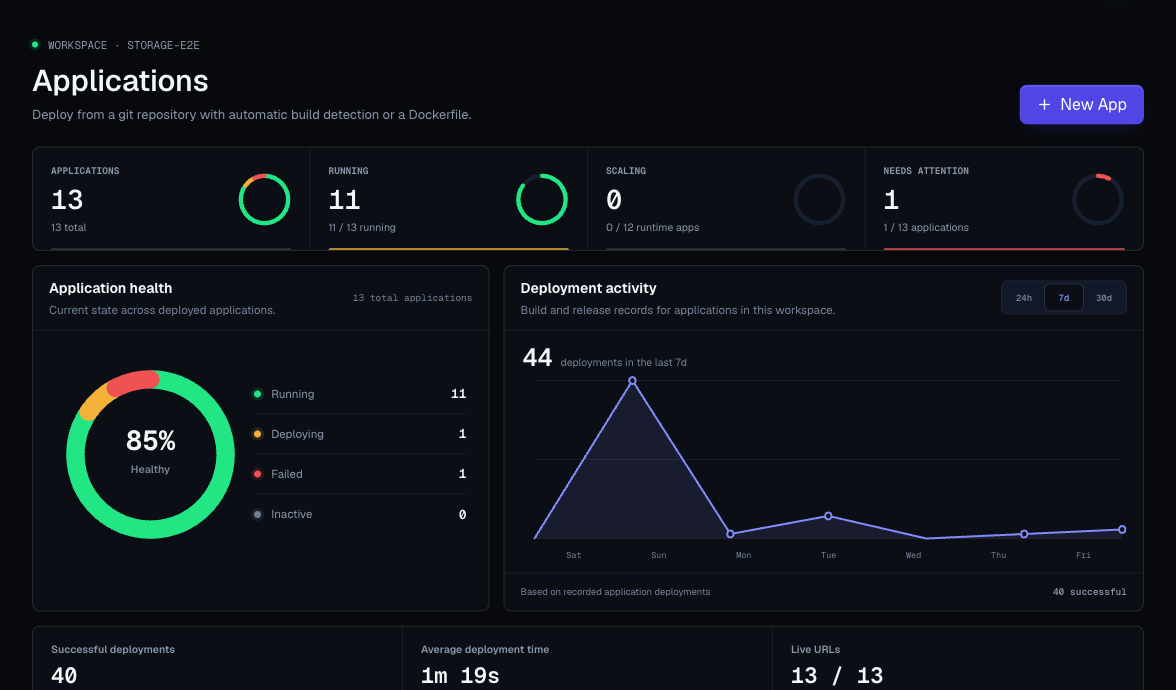
Creation Form Sections
The application creation flow can include:
- GitHub connection prompt.
- Repository picker.
- Manual repository URL input.
- Branch input.
- Application type selector.
- Environment selection.
- Quick project or environment creation.
- Build pack selection.
- Dockerfile options.
- Port for web services.
- Build variables.
- Optional install, build, and start commands.
Connect GitHub Repositories
When the GitHub integration is available, Moltern can open a secure GitHub popup. Use it to choose exactly which repositories Moltern may deploy.
Important behavior:
- Repository access is separate from your Moltern login.
- You can grant access to selected repositories only.
- Private repositories are supported when the GitHub installation has access.
- If the popup is blocked, allow popups for Moltern and retry.
- If the installation is pending approval, a GitHub organization owner may need to approve it.
Manual Repository URL
Use a manual URL when:
- The repository is public.
- You are deploying from a provider Moltern can clone without extra setup.
- You want to paste a URL directly.
Use the full repository URL and confirm the branch name.
App Type
Choose Web service when your app runs continuously and listens on a port.
Choose Static site when Moltern should build static assets and serve the resulting files.
Build Pack Or Dockerfile
Choose the build option that matches your repository:
| Option | Use It When |
|---|---|
| Auto build pack | You want Moltern to detect the framework and build command. |
| Dockerfile | Your repository already contains the full build and runtime instructions. |
For Dockerfile deployments, confirm the Dockerfile path and build context are correct.
Commands
Moltern can auto-detect common projects, but you can override commands.
| Command | Purpose |
|---|---|
| Install command | Installs dependencies. |
| Build command | Builds the app or static files. |
| Start command | Starts a web service after deployment. |
Only override commands when auto-detection does not match your repository.
Port
For web services, the port must match the port your app listens on.
Common examples:
3000for many Node apps.8000for many Python apps.8080for many Go or Java apps.
If the generated URL fails after a successful deploy, port mismatch is one of the first things to check.
Build Variables During Creation
The creation modal can accept environment variables as lines of KEY=value.
Use build variables for values needed during build. Keep runtime secrets as runtime variables unless the build actually needs them.
After Creation
Open the application detail page and complete:
- Review source settings.
- Add or adjust variables.
- Deploy.
- Watch logs.
- Open the generated URL.
- Add a custom domain only after the generated URL works.