Concepts And Terminology
Moltern is easier to operate when everyone uses the same words.

Organization
An organization is the company-level boundary for people, groups, access policy, identity, security evidence, and billing responsibility. One organization can own several workspaces.
Workspace
A workspace is the isolated operating area where a team deploys and manages workloads. The sidebar shows the active organization and workspace.
Workspace-level settings include usage, webhook endpoints, connected source providers, environments, and workload access. See Organizations And Workspaces.
Role, Grant, And Scope
A role bundles allowed actions. A grant assigns one role to a person, group, or automation identity at a specific scope. Organization policy can further restrict an otherwise valid grant.
Use Roles And Scoped Access to understand effective access and inheritance.
Environment Group
An environment group organizes related environments.
Examples:
Customer PortalInternal ToolsMarketingAI Lab
Environment
An environment is where workloads run.
Examples:
productionstagingdevelopmentpreview
Applications and services are deployed into a specific environment.
Workload
A workload is anything Moltern runs for your workspace.
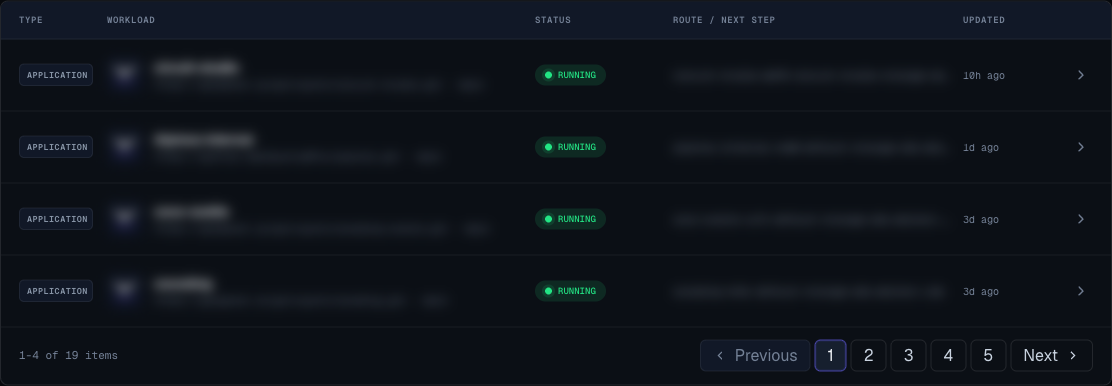
Workloads include:
- Applications.
- Static sites.
- Catalog services.
- Databases.
- AI services.
- Dependency services created for another service.
Application
An application is a workload built from a Git repository. It may be a web service, static site, or Dockerfile-based app.
Service
A service is deployed from the Moltern catalog. Services can be user-facing apps, internal tools, databases, queues, AI tools, dashboards, or dependencies.
Service Template
A service template is the catalog definition behind a service card. It defines the service name, description, category, variables, variants, and expected resource needs.
Variant
A variant is an option inside a service template. Variants help you choose between different packaged setups.
Examples:
- Lightweight setup.
- Setup with a bundled database.
- Setup with a specific database engine.
- Recommended default setup.
Deployment
A deployment is one attempt to build and release an application.
Deployment records can include:
- Status.
- Commit.
- Duration.
- Preview URL.
- Logs.
- Error message.
- Active release marker for static sites.
Release
For static sites, a successful deployment can become an active release. You can promote a previous successful deployment when you need to restore a known-good static release.
Route
A route is how users reach a workload. Moltern may provide a generated URL, and you can attach a custom domain when the workload is ready.
Variables
Variables configure applications and services without committing values to source code.
Moltern supports:
- Runtime variables.
- Build-time variables for applications.
- Sensitive values that are not displayed after save.
- Bulk edit for application variables.
Shared Filespace
Shared filespace is persistent file storage mounted into a web service application. Use it for files the app must keep after a redeploy.
Plan And Quota
Plans define limits such as workload count, CPU, memory, storage, and whether sleeping behavior applies.
Quota checks can block deployments or resize actions when the requested resources exceed the current plan.
Status Terms
| Status | Meaning |
|---|---|
| pending | Moltern accepted the request and is preparing the workload. |
| deploying | Moltern is creating or updating the workload. |
| running | The workload is live. |
| sleeping | The workload is paused after inactivity and can wake later. |
| stopped | The workload is intentionally paused. |
| failed | The requested operation did not complete. |
| crashing | An application starts but does not stay healthy. |
| upgrading | A service update or resize is in progress. |
| awaiting confirmation | A service deletion flow is being confirmed or processed. |
Safe Delete Gate
Some service deletion flows show a preview before removal. The preview can include the main service, dependencies, and whether a backup-like snapshot is expected.
Review the preview before confirming deletion.