Runbooks
Use these runbooks during normal operations and incidents.

For member suspension, partner offboarding, compromised administrators, identity-provider recovery, or incorrect role grants, use Organization Admin Runbooks.
Runbook: First Production App
- Create or confirm production environment.
- Open Applications.
- Create app from connected repository or manual URL.
- Set branch.
- Choose web service or static site.
- Add variables.
- Deploy.
- Watch logs.
- Open generated Moltern URL.
- Add custom domain.
- Confirm domain active.
- Review billing usage.
- Record owner and recovery notes.
Runbook: Failed Application Deploy
- Open dashboard.
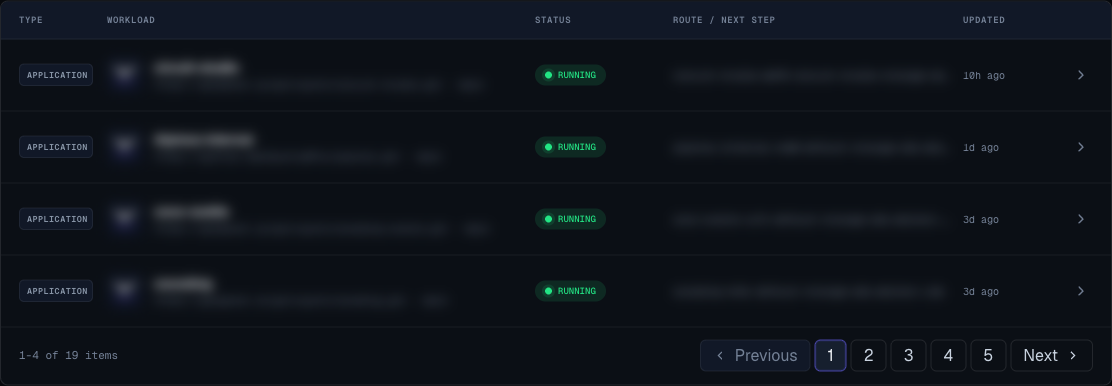
- Filter by failed.
- Open the app.
- Open Live Logs.
- Identify the first failing step.
- Check repository access, commands, port, variables, and quota.
- Fix the cause.
- Deploy again.
- Confirm running status.
- Open the URL.
Runbook: Service Failed
- Open dashboard failed filter.
- Open the service.
- Read recovery guidance.
- Open live logs.
- Check required configuration.
- Check billing and quota.
- Retry only after fixing the likely cause.
- If stateful, confirm owner before deleting or redeploying.
Runbook: Service Sleeping Before Demo
- Open service detail page.
- Click Wake service.
- Wait for running status.
- Open the URL.
- Keep the page warm until the demo starts.
- Consider plan change if the service must never sleep.
Runbook: Custom Domain Pending
- Open workload settings.
- Confirm the domain spelling.
- Copy the current records shown in Moltern.
- Check those records in the domain provider UI.
- Wait for propagation.
- Click Check now.
- If verification fails, remove and re-add the domain.
Runbook: Resize Request
- Open workload detail page.
- Enter proposed size.
- Click Preview.
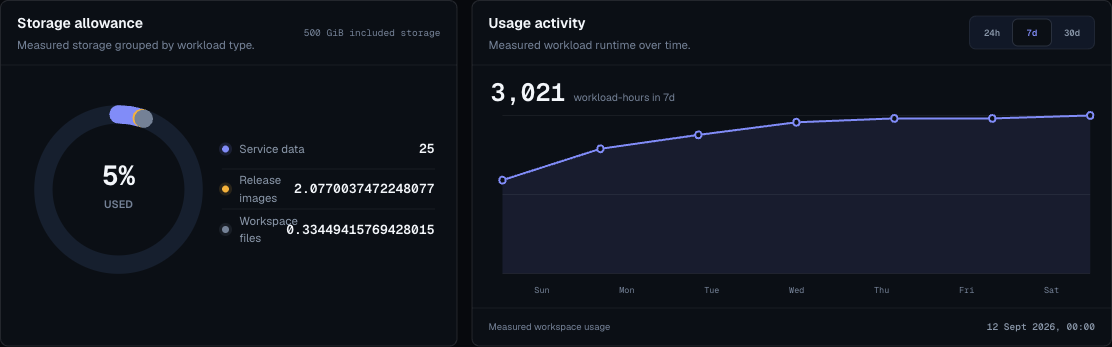
- Read warnings and billing impact.
- If blocked, open Billing.
- Adjust size, quota, or plan.
- Apply only when allowed.
- Watch status until running.
- Record why the size changed.
Runbook: Workload Quota Full
- Open Billing.
- Review workload count.
- Open dashboard.
- Identify unused apps and services.
- Delete temporary workloads after owner approval.
- Remove empty environments.
- Retry deploy.
- Upgrade plan only if the workload is still required.
Runbook: Secret Rotation
- Generate new value in the source system.
- Open workload settings.
- Replace the variable.
- Save variables.
- Redeploy or restart if required.
- Confirm workload is healthy.
- Revoke old value in the source system.
- Record rotation completion without storing the secret.
Runbook: Remove A Service
- Confirm owner approval.
- Open service detail page.
- Review dependencies.
- Click delete.
- Read the preview.
- Confirm only expected resources are listed.
- Confirm deletion.
- Wait for redirect or status change.
- Refresh dashboard.
- Remove stale domains or external bookmarks.
Runbook: Webhook Not Delivered
- Open Webhooks.
- Confirm endpoint exists.
- Confirm event type is selected.
- Confirm the URL starts with
https://. - Confirm the receiving system is live.
- Confirm the secret matches.
- Trigger a new deployment event.
- Check receiver logs.
- Recreate the endpoint if the secret is unknown.