Access Reviews And Approvals
Access reviews verify whether existing authority is still needed. Approval workflows add a second authorized person before selected production or destructive operations execute.
Run An Access Review
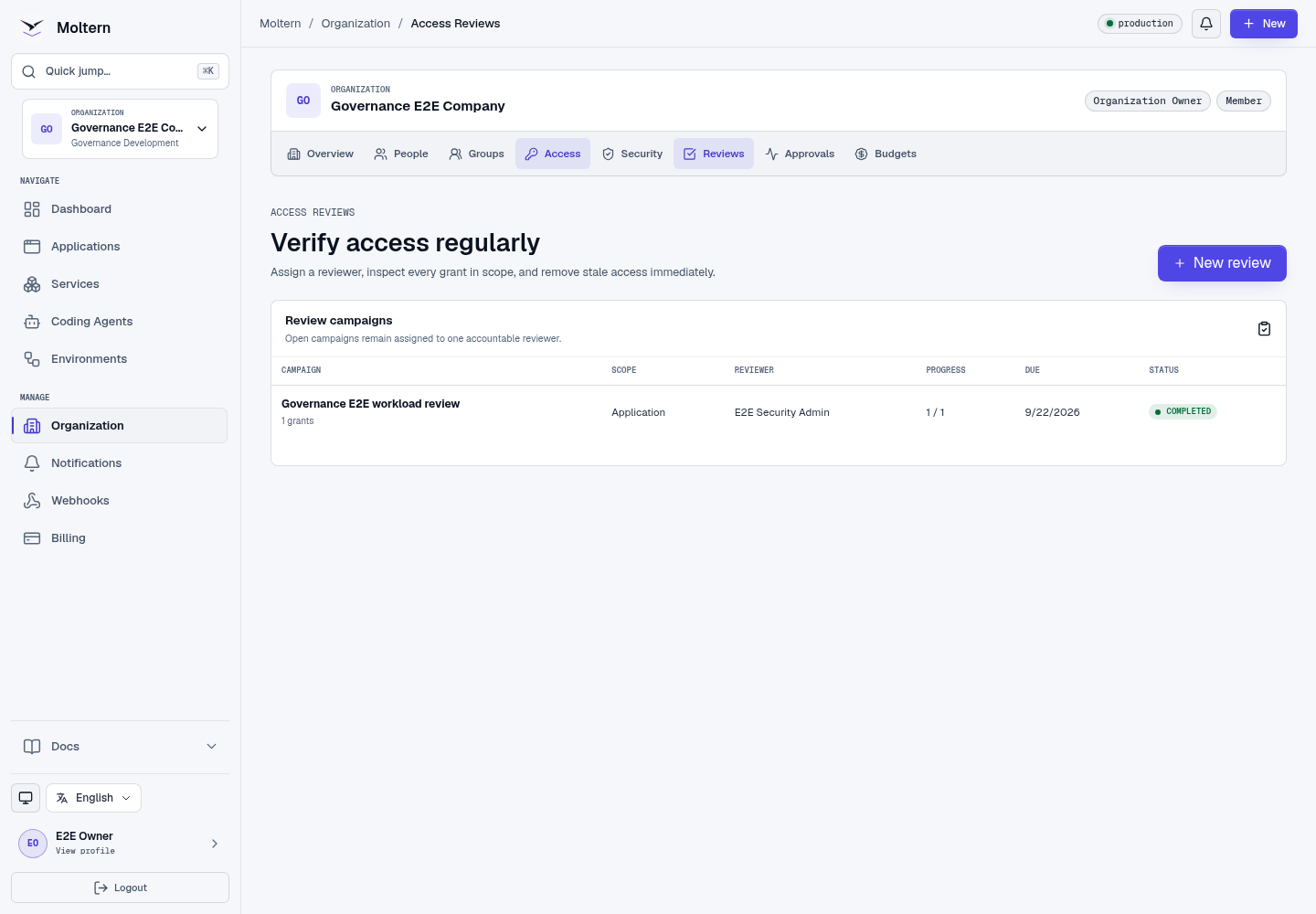
- Open Organization -> Reviews.
- Select New review.
- Name the campaign.
- Choose an organization, group, workspace, guest population, or workload scope.
- Assign one accountable reviewer.
- Set a due date.
- Create the campaign.
The assigned reviewer inspects each grant and chooses Retain or Revoke with a reason. Revocation takes effect immediately and can be retried safely without applying twice.
Use Protected-Action Approvals
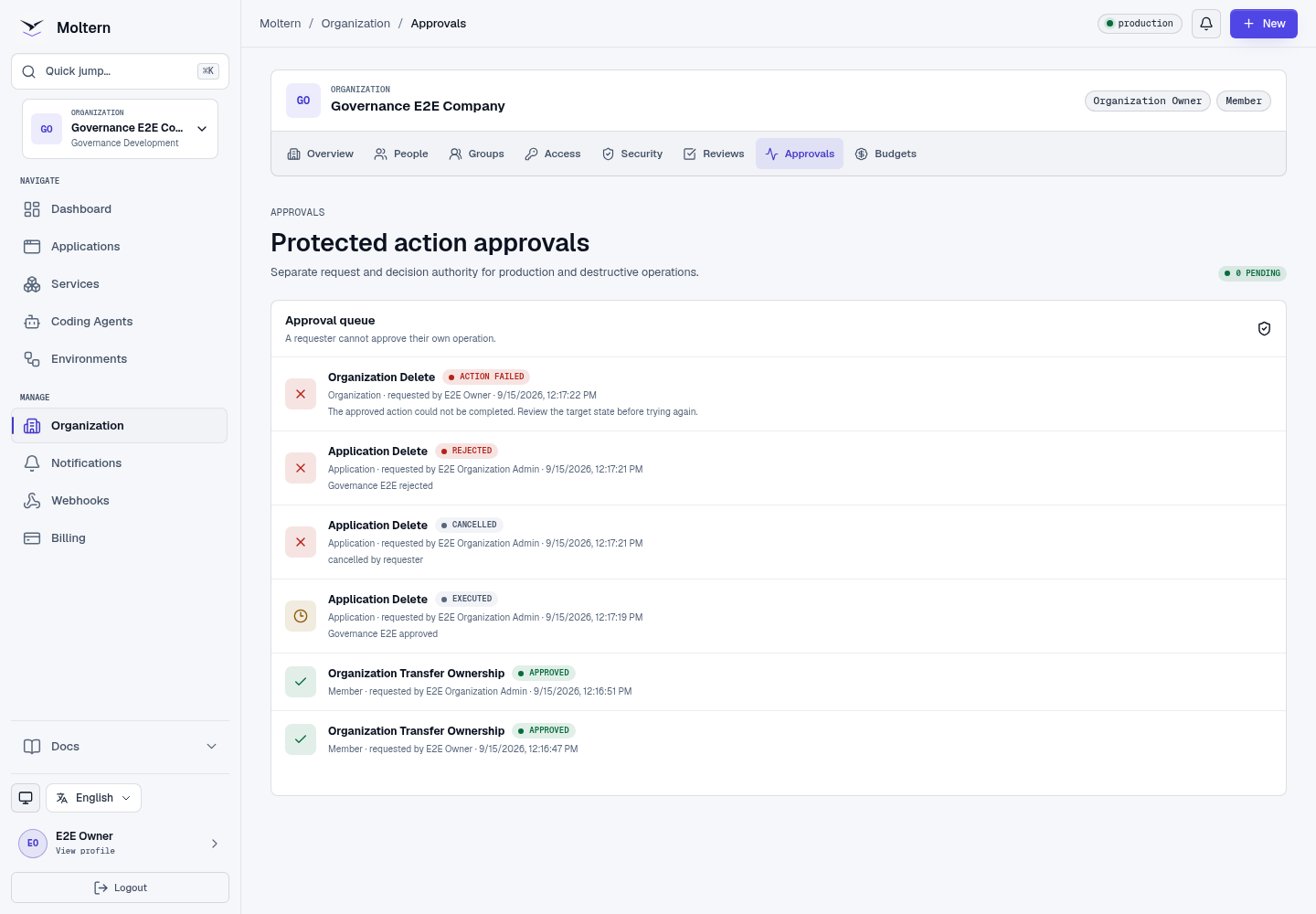
When production or destructive approval policy is enabled:
- An authorized requester starts the protected operation.
- Moltern creates a request bound to the exact action, resource, resource version, organization, requester, and expiry.
- A different authorized person reviews it in Organization -> Approvals.
- The reviewer approves or rejects with a reason.
- Moltern revalidates both people and the target before execution.
A requester cannot approve their own request. Approval for one action cannot be reused for another resource or after expiry.
Approval States
| State | Meaning |
|---|---|
| Pending | Waiting for an eligible reviewer. |
| Approved | Reviewer allowed execution; the operation may still be processing. |
| Rejected | Reviewer denied the request. |
| Cancelled | Requester or authorized administrator cancelled it. |
| Executed | The bound operation completed. |
| Failed | Revalidation or execution failed; the request is not reusable. |
| Expired | The decision window ended. |
Expected Result
Review outcomes update effective access immediately. Protected actions execute only after an independent, currently authorized decision and are recorded in audit history.
Troubleshooting
| Symptom | What to check |
|---|---|
| Reviewer cannot open a campaign | Confirm they are the assigned reviewer and still have review permission. |
| Approval is unavailable | Confirm the relevant policy is enabled and another eligible approver exists. |
| Approved action failed | The target or authority may have changed after the request was created; create a new request after correcting it. |
| Decision is rejected as duplicate | The item or request has already reached a final state. |