Budgets And Cost Centers
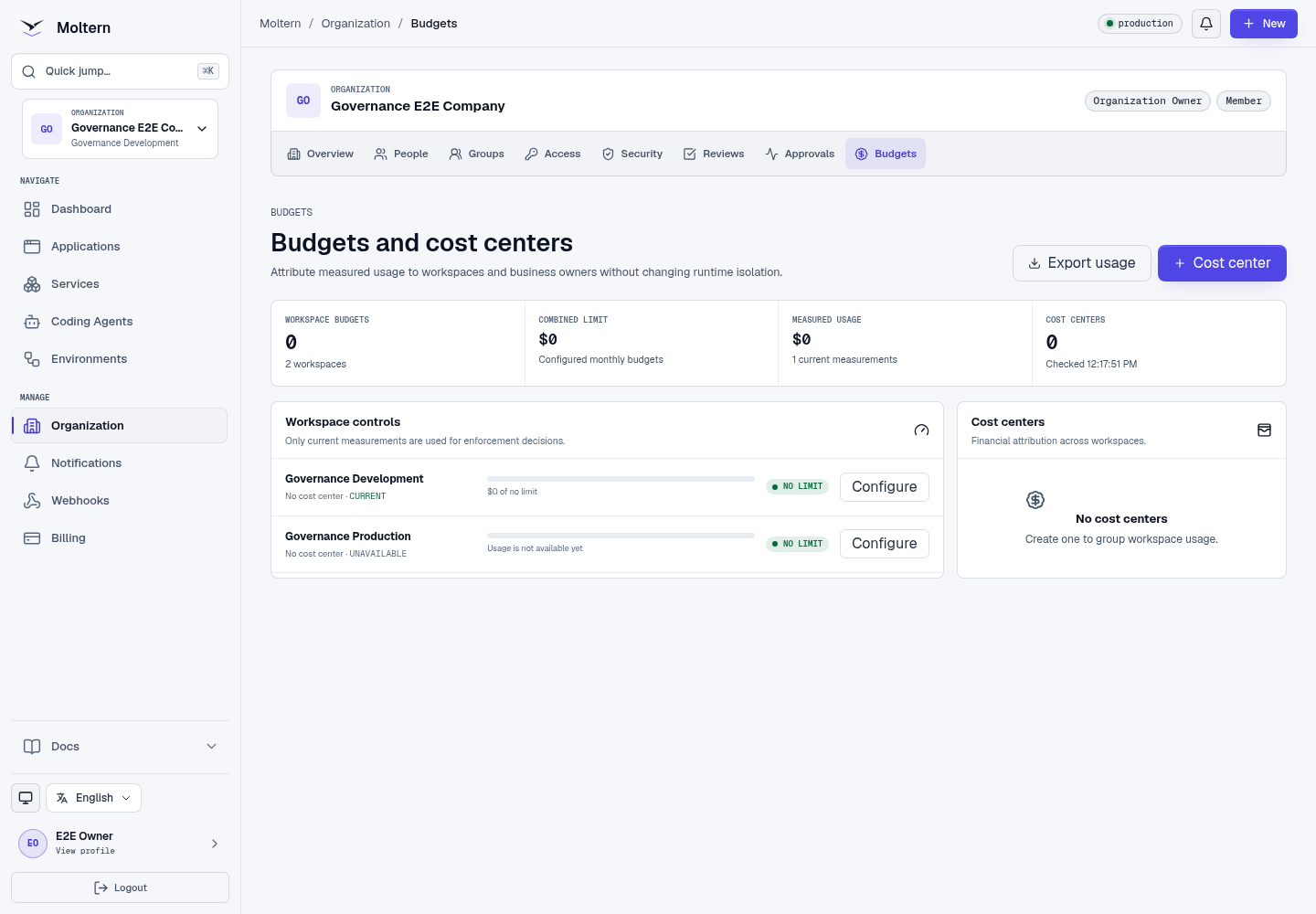
Organizations own commercial responsibility while workspaces remain the runtime boundary. Budgets and cost centers help finance and platform teams understand who owns measured usage without changing workload isolation.
Prerequisites
- Billing or budget-management permission.
- A current measured-usage source for the workspace.
- PAYG configuration when usage may exceed the included allowance.
Configure A Workspace Budget
- Open Organization -> Budgets.
- Select Configure beside the workspace.
- Enter the monthly amount or remove the limit.
- Choose the warning threshold.
- Enable a hard stop only when new billable operations should pause at the limit.
- Review and save.
Only current verified measurements are used for enforcement decisions. Existing running workloads are not silently destroyed when a budget is reached.
Create A Cost Center
- Select Cost center.
- Enter the business owner or accounting label.
- Save it.
- Assign eligible workspaces to that cost center.
Cost centers are attribution labels. They do not create separate runtime boundaries, storage, groups, or invoices by themselves.
Export Usage
Authorized finance users can export organization usage. The export is bounded to the organization and includes workspace, workload, measured category, period, and optional cost center. It does not contain secret values or credentials.
Billing Separation
A Billing Administrator can view and manage authorized commercial settings without receiving application variables, service credentials, terminals, or workload administration. See Billing for plans, payment methods, PAYG, and metering status.
Expected Result
Every current usage row is attributable to its workspace and, when configured, a cost center. Threshold notifications reach the appropriate organization contacts.
Troubleshooting
| Symptom | What to check |
|---|---|
| Usage is unavailable | The source may not have produced a current validated measurement yet. |
| Budget action is denied | Confirm billing/budget permission and recent account confirmation. |
| Hard stop did not affect a running workload | Hard stop blocks eligible new billable operations; it does not terminate existing workloads. |
| Workspace is missing from export | Confirm it belongs to the active organization and the selected reporting period has measurements. |