Domains And Routes
Moltern can provide a generated URL for workloads that expose a web interface. You can also attach custom domains to applications and services.
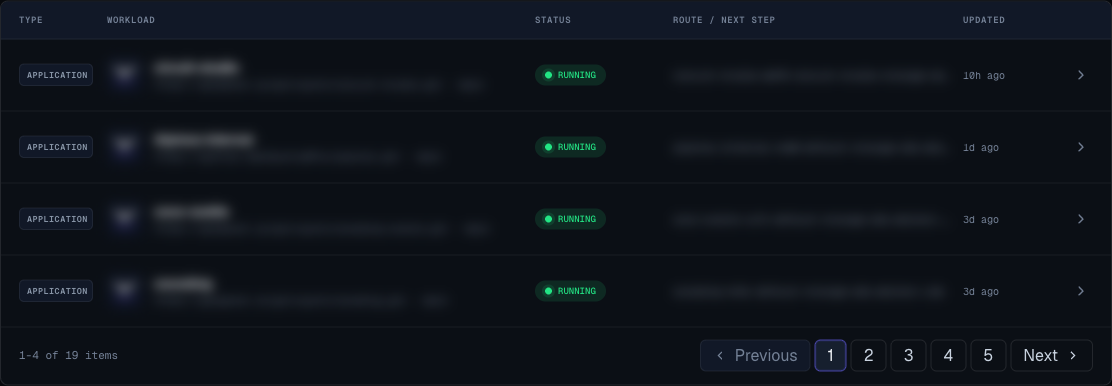
Generated Moltern URL
Use the generated URL first.
It confirms:
- The workload is running.
- The route is created.
- The app listens on the expected port.
- The service web interface is reachable.
Do not add a custom domain until the generated URL works.
Add A Custom Domain
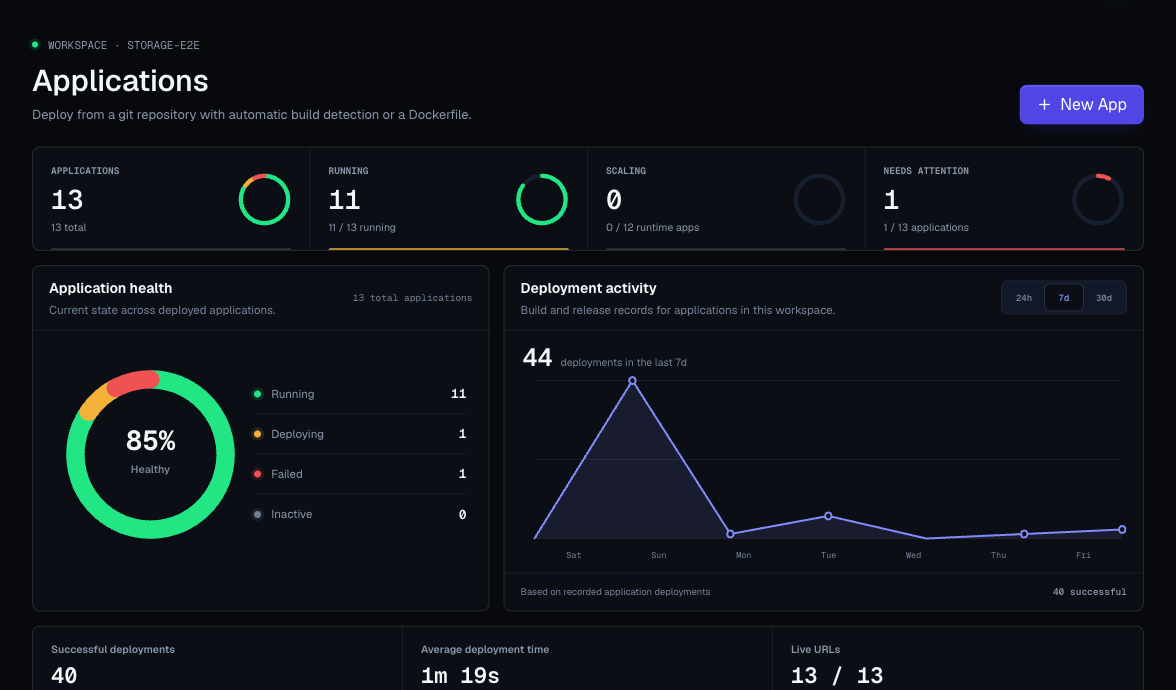
- Open the application or service detail page.
- Open Settings.
- Enter the domain name.
- Click Add.
- Copy the records shown by Moltern to your domain provider.
- Wait for provider propagation.
- Click Check now.
- Use the domain after the status becomes active.
Domain Status
| Status | Meaning |
|---|---|
| pending | Moltern is waiting for the required records to be visible. |
| active | The domain is verified and can be used. |
| failed | Verification timed out or records do not match. |
Record Handling
Use only the exact host and value shown in the UI for that workload.
Do not reuse values from:
- Another workload.
- Another environment.
- Screenshots.
- Old tickets.
- Internal notes.
Common Domain Problems
| Problem | Likely Cause | Fix |
|---|---|---|
| Pending for a long time | Records were not added, were added at the wrong provider, or have not propagated yet. | Check the provider and click Check now later. |
| Failed | Verification window expired or values do not match. | Remove and re-add the domain, then copy the new values. |
| Generated URL works, custom domain does not | Domain records or verification are not complete. | Use the generated URL until the custom domain is active. |
| App domain active but app fails | App runtime issue, not domain verification. | Check app logs, port, and health path. |
Security Guidance
- Use custom domains only for workloads meant to be public.
- Add authentication inside the service when needed.
- Remove domains before deleting a workload if the domain will be reused elsewhere.
- Keep admin-only services private unless access controls are configured.
Production Domain Checklist
- Generated Moltern URL works.
- Workload owner approved public exposure.
- Required records were copied from the current UI.
- Domain status is active.
- Authentication is configured when required.
- External users can reach the expected page.
- Old domains are removed when no longer needed.