Deployments And Logs
Application detail pages include Deployments, Live Logs, and Settings tabs.
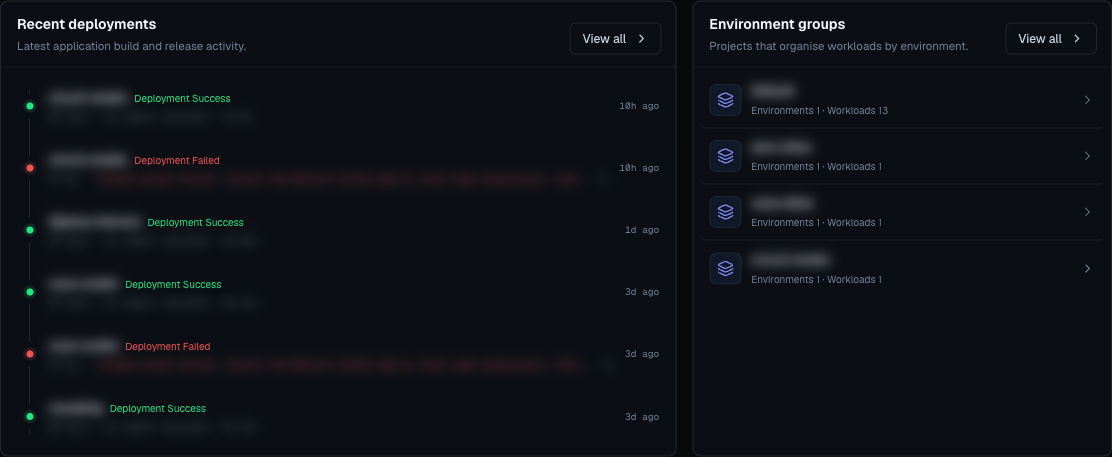
Deployments Tab
The deployments tab shows every deployment record for the app.
Each row can show:
- Status.
- Commit short SHA.
- Duration.
- Preview URL.
- Active marker for static sites.
- Recovery hint for failures.
- Logs button.
- Relative creation time.
Deployment Status
| Status | Meaning |
|---|---|
| pending | Deployment was queued. |
| building | Moltern is building the source. |
| deploying | Moltern is releasing the built app. |
| success | The deployment completed. |
| failed | The deployment did not complete. |
Live Logs
Open Live Logs when:
- A deploy is still running.
- A deploy failed.
- An app crashes after startup.
- You changed commands or variables.
- You need to see which build step failed.
Logs are the first source of truth for build and runtime errors.
Recovery Cards
When Moltern can recognize a failure pattern, the detail page may show a recovery card. Use that guidance before retrying.
Common recovery areas:
- Repository access.
- Missing variables.
- Build command failure.
- Start command failure.
- Port mismatch.
- Runtime crash.
- Quota or plan limit.
Promote A Static Site Deployment
For static site apps, a successful deployment can be promoted to active.
Use promote when:
- You tested a successful preview and want it live.
- The latest deployment is not the desired version.
- You want to restore an earlier static release.
Rollback
Rollback restores a previous active static-site release when available.
Use rollback when:
- A newly promoted static release has a production issue.
- The previous release is known to be good.
- You need a fast recovery path before building a new fix.
For web services, prefer deploying a corrected commit or reverting the source branch and deploying again.
Retry Discipline
Do not retry blindly. Before retrying:
- Read the first failing log section.
- Identify whether the failure is source, command, variable, port, or quota related.
- Fix the cause.
- Deploy again.
Repeated deploys without a fix create noise and make incident review harder.