Service Lifecycle
Service detail pages are used to operate catalog services after deployment.
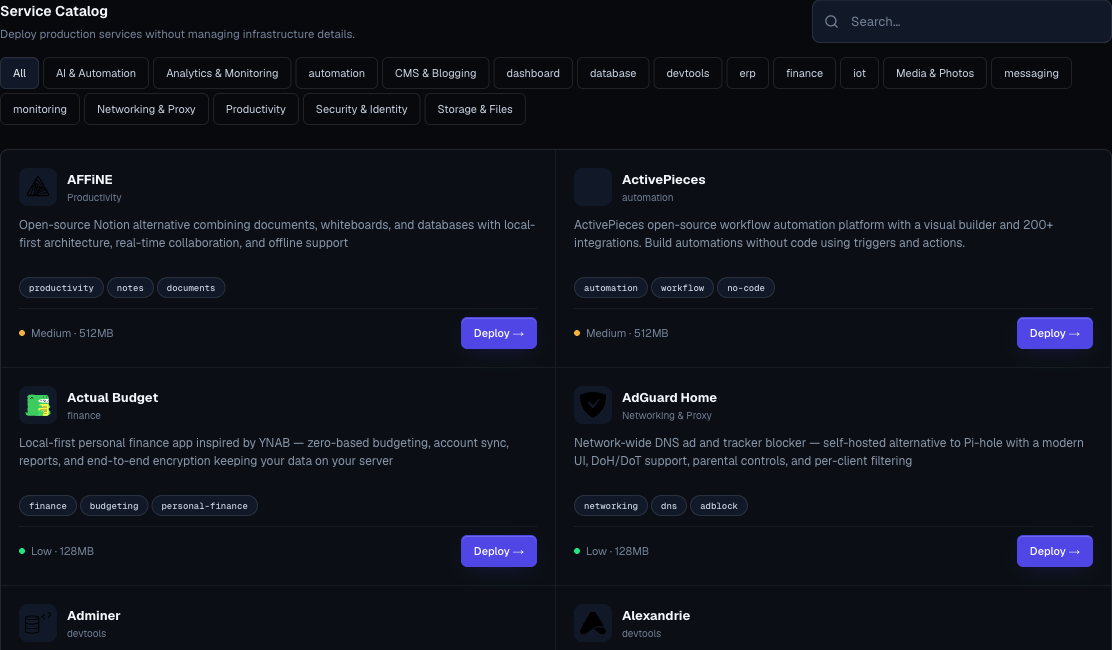
Service Detail Page
The page can include:
- Status summary.
- Generated URL.
- Overview tab.
- Live logs tab.
- Capacity tab for supported services and managed dependencies.
- Settings tab.
- Service details.
- Dependencies.
- Controls.
- Capacity summary and shortcut.
- Domains.
- Delete preview.
Status And Actions
| Status | Typical Actions |
|---|---|
| running | Open URL, add domain, review logs, resize if needed. |
| sleeping | Wake manually or open the URL and wait. |
| stopped | Start the service when needed. |
| failed | Read recovery guidance, open logs, retry after fixing the cause. |
| deploying | Wait and watch logs. |
| upgrading | Wait for the resize or update to complete. |
| awaiting confirmation | Wait for deletion flow to complete or follow the confirmation UI. |
Start And Stop
Use stop when:
- The service is temporary.
- You want to pause non-production usage.
- The owner confirms it is safe to pause.
Use start when:
- Users need the service again.
- A stopped dependency is required by another workload.
Stopping a stateful service does not replace backup or recovery planning.
Wake
Sleeping services can wake on demand.
Use Wake service when:
- You are about to demo the service.
- You need it warm before sharing a link.
- You want to confirm it still starts cleanly.
Retry
Use retry after correcting the likely cause of a failed deployment.
Before retry:
- Read the logs.
- Check required variables.
- Check plan and quota.
- Check service-specific setup notes.
Resize
Supported managed services can preview and apply size changes.
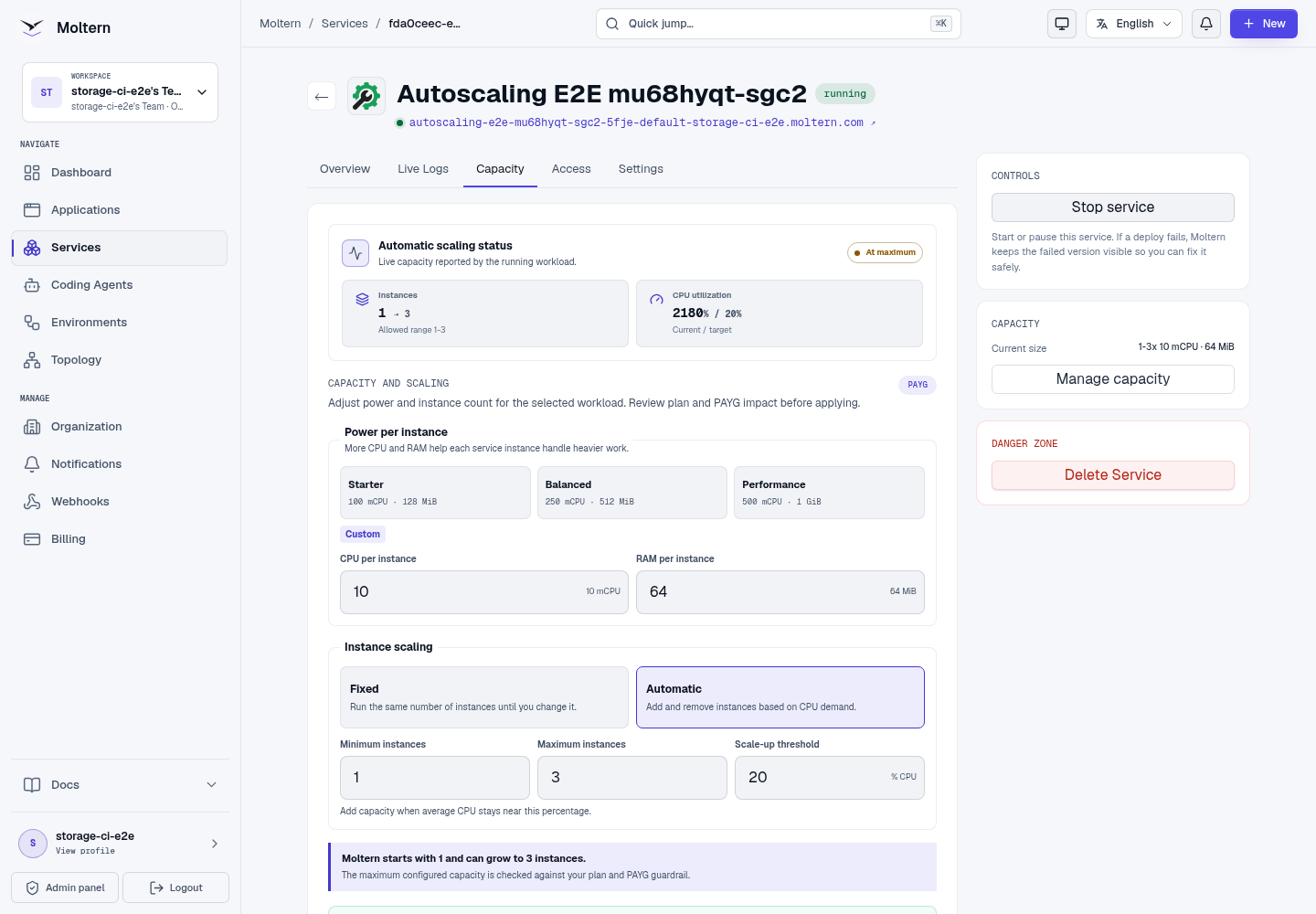
Open Capacity to choose a power preset, set fixed or automatic instance scaling, and adjust persistent storage when the service supports it. Services with managed dependencies include a workload selector so each dependency can be sized without leaving the parent service page.
Automatic scaling appears only for catalog services that Moltern has explicitly classified as safe to run with multiple instances. It is not available for databases, singleton services, or an unclassified template. The Capacity tab shows the saved limits separately from observed current and desired instances, so a policy waiting for measurements is not presented as active.
Resize only after:
- Preview is allowed.
- Billing impact is understood.
- Storage growth warning is accepted when applicable.
- The service owner approves the change.
Deleting a service while automatic scaling is active removes both the service runtime and its scaling policy. Managed dependencies are cleaned up through the same lifecycle rather than left as independent scaling resources.
Domains
Services with web interfaces can have custom domains.
Use the same domain flow as applications:
- Confirm generated URL works.
- Add custom domain.
- Copy the records shown by the UI.
- Click Check now.
- Wait for active status.
Dependencies
If a service has dependencies, they appear on the overview tab.
Do not treat dependencies as unrelated services. They are often managed as part of the parent service.
Stopping a parent does not necessarily stop its database. Review each workload's status and capacity separately, and check Billing for resources that remain active.
Service-Specific Walkthroughs
These guides use screenshots captured from real deployed services:
- BookStack: create a team handbook: initial administrator, books and pages, protected connection details, and API tokens.
- Uptime Kuma: monitor a live website: first account, HTTP checks, network access, history, and persistence.
Delete Safely
- Open Delete Service and review the service and managed dependencies.
- Choose whether to keep stored data or delete it with the runtime.
- Export and verify any backup you need before confirming data deletion.
- Complete account confirmation when requested.
- Check that the parent and its managed dependencies leave the service list.
Keeping data can continue to use storage. Deleting data is destructive: do not assume Moltern takes a recoverable snapshot during deletion. A successful stop/start proves persistence, not backup availability.
Service Runbook
For production service changes:
- Confirm owner.
- Confirm environment.
- Check current status.
- Make one change.
- Watch logs.
- Open URL.
- Check billing usage.
- Record the change reason.