Development Frameworks
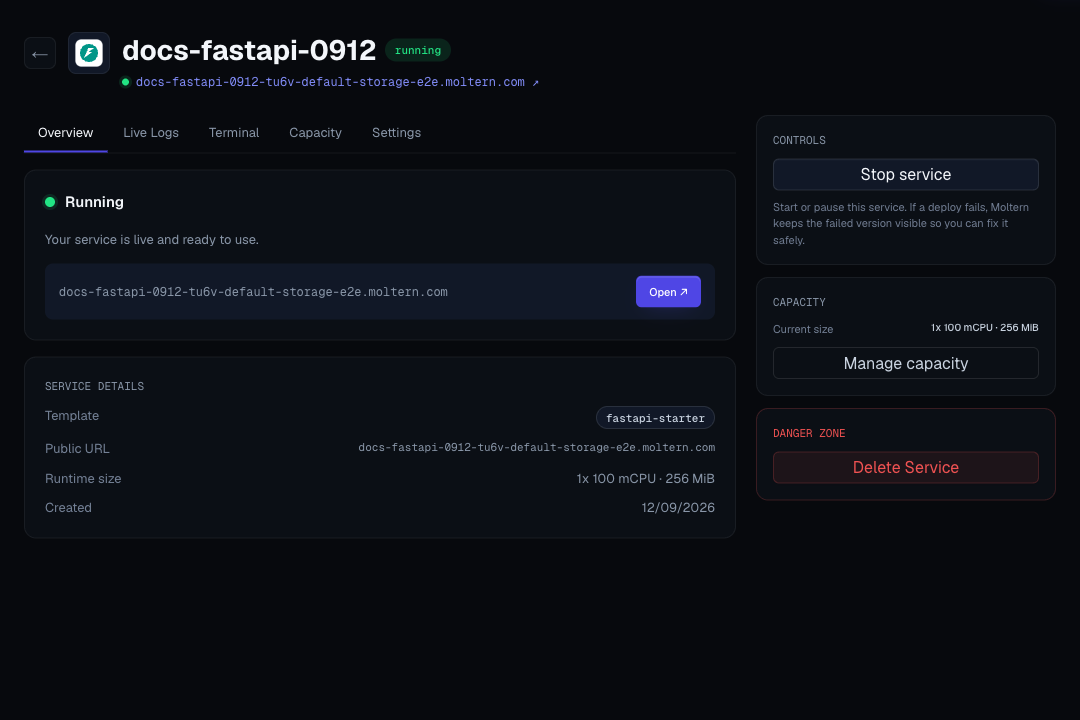
Development frameworks are persistent workspaces that create and run a small project for a specific framework. Use one when you want to start from a working application, develop through the browser terminal, or let a coding agent work against a deliberately selected runtime.
Use a framework workspace to:
- Start a web, API, backend, or mobile project from a working framework.
- Use the framework CLI and Git from the browser terminal.
- Grant one coding agent access to the specific framework workspace it needs.
- Test selected private service connections without exposing them publicly.
- Build a Flutter web preview and Android package from one project.
- Validate the project before promoting it to a Git-backed application.
For production, use a Git-backed application deployment. Framework workspaces are optimized for development and testing.
Available Frameworks
| Framework | Good For | Useful Terminal Check | Guide |
|---|---|---|---|
| FastAPI | Python APIs, webhooks, async endpoints, and internal services. | python --version | FastAPI |
| Django | Python web apps, admin tools, APIs, and server-rendered products. | python manage.py check | Django |
| Go | HTTP APIs, small backend services, and workers. | go version | Go |
| Laravel | PHP web apps, APIs, internal tools, and product backends. | php artisan --version | Laravel |
| Next.js | React apps, SSR dashboards, portals, and hybrid frontends. | node --version | Next.js |
| Node.js + Express | REST APIs, webhooks, and Node.js HTTP services. | node --version | Express |
| Phoenix | Elixir realtime apps, APIs, LiveView products, and resilient services. | mix --version | Phoenix |
| Rails | Ruby on Rails web apps, admin panels, and product backends. | bin/rails --version | Rails |
| Spring Boot | Java APIs, JVM business services, and backend workloads. | mvn --version | Spring Boot |
| Flutter | Flutter web previews and Android application builds. | flutter doctor | Flutter |
How A Workspace Works
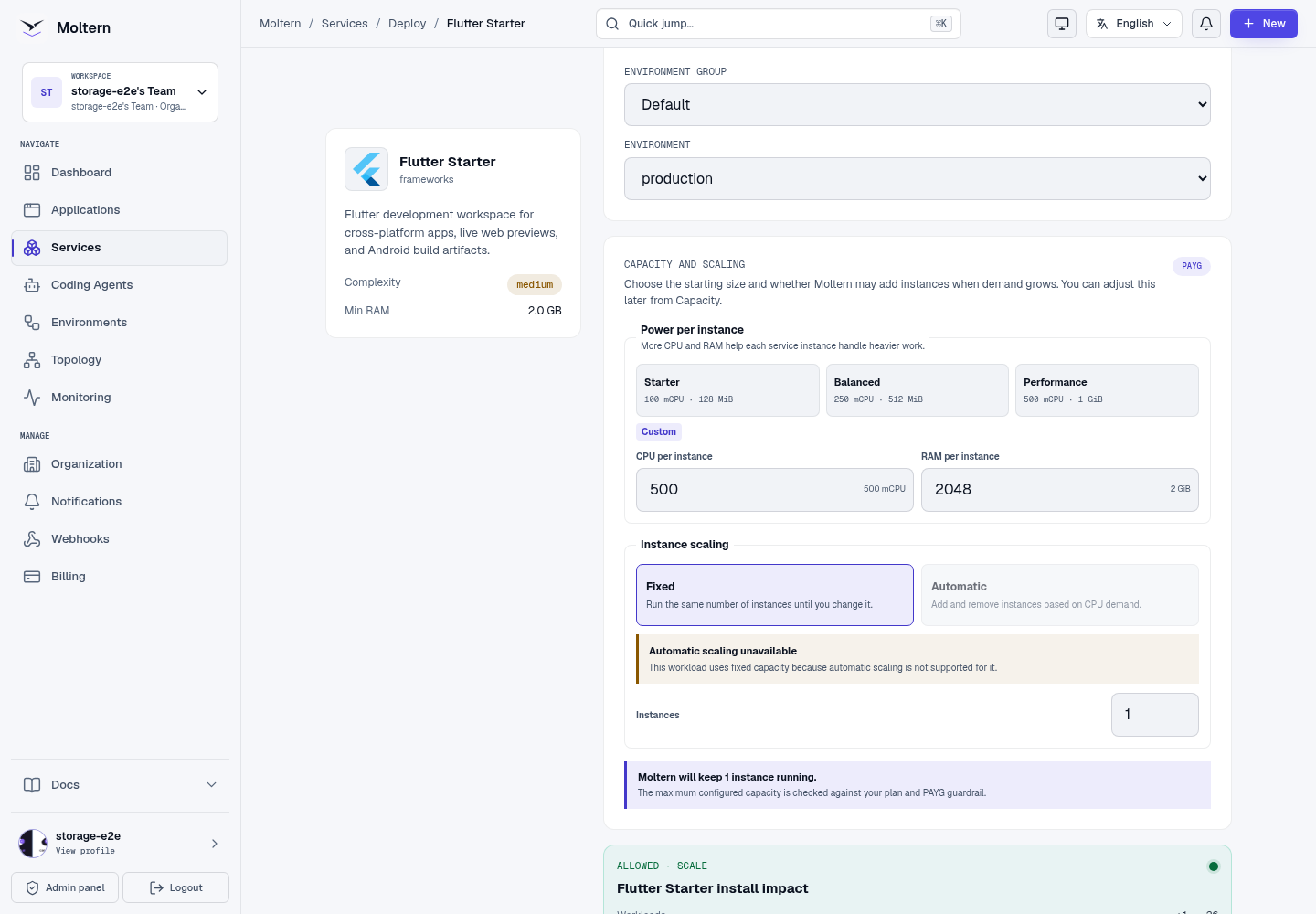
- Deploy the framework from the service catalog.
- Moltern assigns an isolated project directory from the workspace filespace.
- The service initializes the framework project on first boot.
- The generated URL opens the running development preview.
- The service terminal exposes the framework CLI and Git tooling.
- Selected private services or coding agents can be attached explicitly.
- Move the project to a Git-backed application when it is ready for production.
Initial dependency installation requires outbound access to the framework's package registries. A failed setup is reported as a failed deployment. Inspect the logs and retry after resolving connectivity or dependency errors.
Build With A Coding Agent
Coding-agent access is explicit. Deploying a framework does not automatically give every agent access to its files or connected resources.
- Create or open an authenticated coding agent in the same environment.
- Open the agent's Resources settings.
- Add the framework service with the minimum scope needed for the task.
- Restart the agent when Moltern requests it so the updated policy is applied.
- Use a private Git repository as the source handoff.
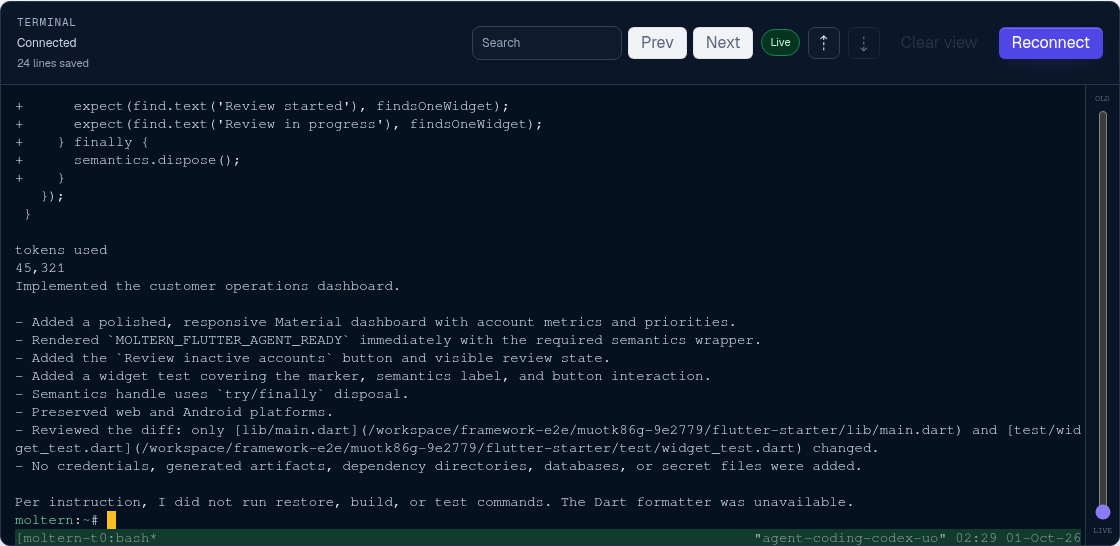
- Review and test the agent commit in the framework terminal.

The agent policy describes selected resources and connection context. Repository credentials remain separate and should be limited to the repository and time period required for the task.
Synchronize With Private Git
Every framework runtime includes git, SSH tooling, and the framework
toolchain. A typical safe workflow is:
Framework workspace -> private feature branch -> coding agent
Coding agent        -> reviewed commit         -> private feature branch
Framework workspace -> pull and test           -> live preview
Use a repository-scoped deploy key or another short-lived Git credential. Do not place a personal access token in the project, terminal history, screenshots, or committed files. Remove temporary credentials afterward.
Use The Terminal
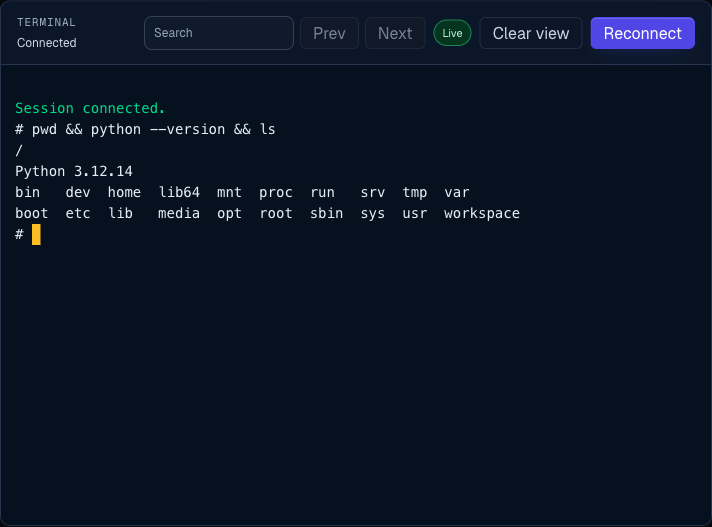
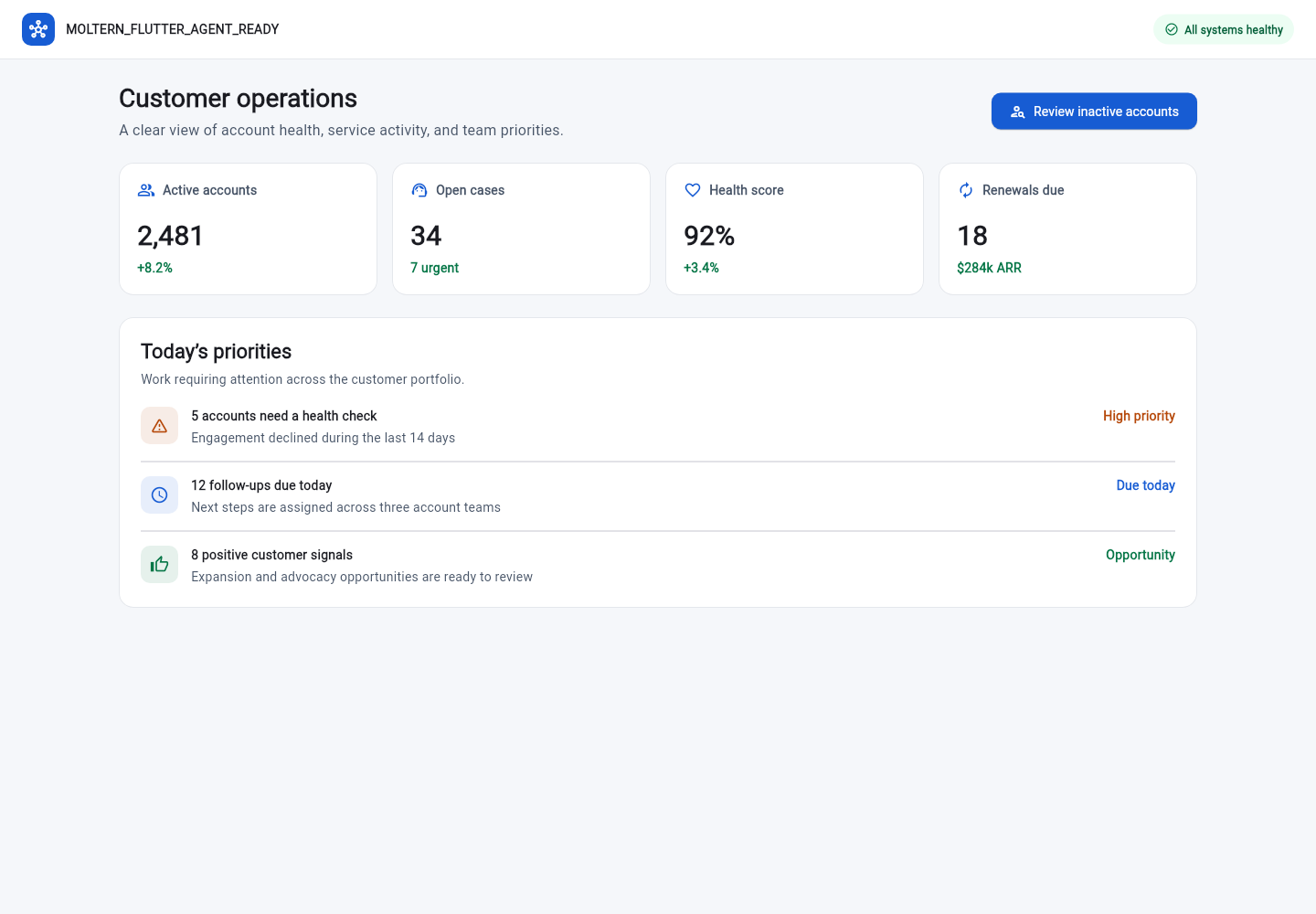
- Open the framework service.
- Wait for Running status.
- Open Terminal and choose Open terminal.
- Change to
/workspace/app. - Run the framework check from the table.
Do not start another long-running server on the same port as the active development process. See Development Framework Terminal for session behavior, Git safety, and troubleshooting.
Flutter Web And Android
Flutter uses the same persistent project for both targets:
cd /workspace/app
flutter test
flutter build web
flutter build apk --debug
mkdir -p /workspace/artifacts/flutter
cp build/app/outputs/flutter-apk/app-debug.apk /workspace/artifacts/flutter/app-debug.apk
The public service URL is the web preview. Android builds are produced on the
active runtime and can be replaced by a restart. Copy a debug artifact into
/workspace/artifacts only when it needs to survive Stop/Start; that persistent
copy counts toward workspace storage. Keep release signing keys outside the
starter, keep source in Git, and use a controlled release process for signed
production packages.
Connect Private Services
Framework workspaces can connect to selected private databases, caches, queues, or APIs in the same environment.
- Deploy the private service.
- Open the framework service settings.
- Add it under Private Service Connections.
- Wait for the service update to finish.
- Open a new terminal session and run a small framework-level connection test.
Access remains scoped to the selected workload. A private service is not made public by attaching it.
Move To An Application
Move to a Git-backed application when:
- The project has multiple contributors.
- You need review, rollback, or branch history.
- The workload must move between environments.
- You need repeatable builds and production start commands.
- The code is production-critical.
- You need a controlled mobile or web release pipeline.