Services And Databases
Services and databases are catalog-managed workloads. They support applications, teams, AI stacks, and internal operations.
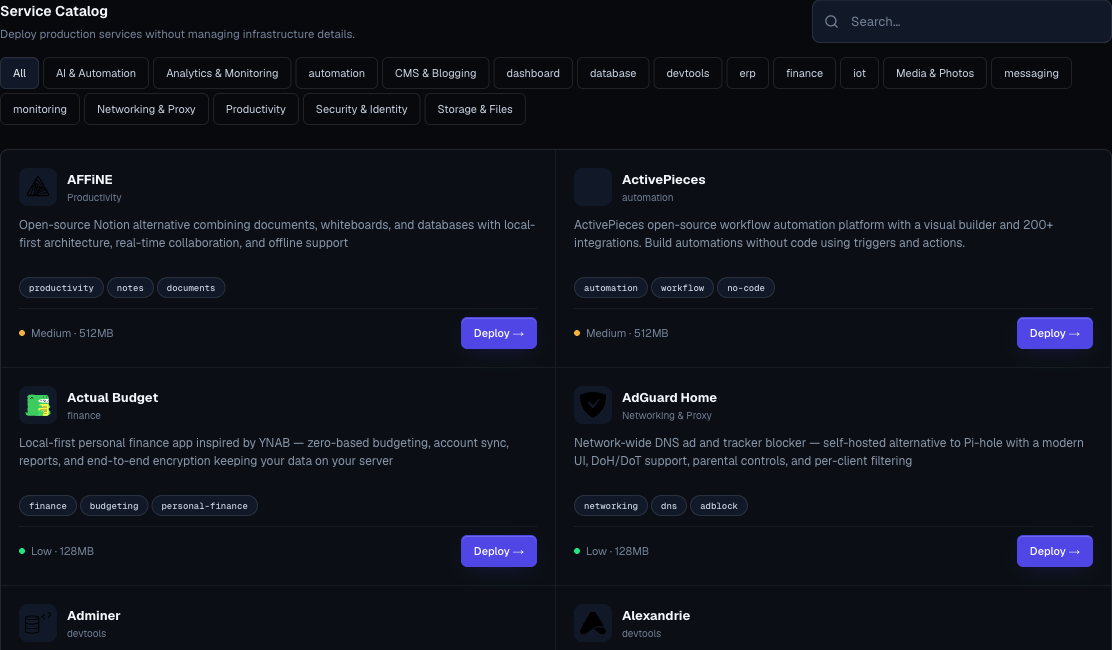
Services
Use services for software that is not deployed from your own Git repository:
- Databases.
- Queues.
- Analytics tools.
- AI tools.
- CMS platforms.
- Identity providers.
- File and document tools.
- Internal development utilities.
- Development framework starters.
- Monitoring and uptime tools.
Services have the same high-level operating model as applications: status, URL when available, logs, settings, domains, size controls where supported, and deletion flow.
Databases
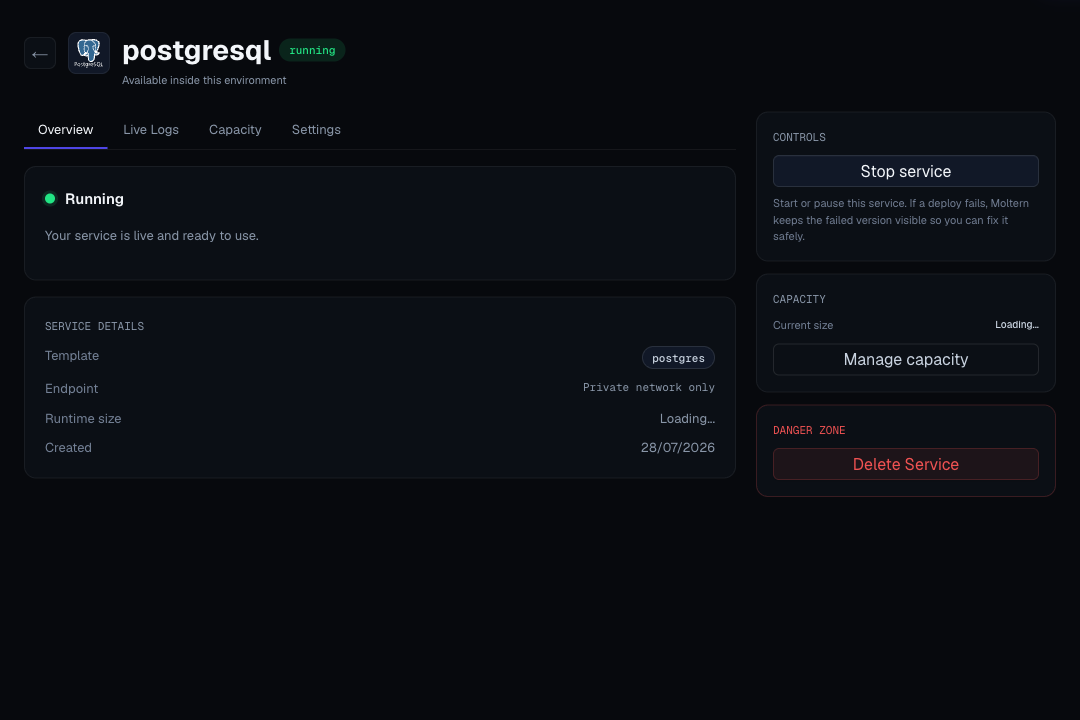
Database workloads are deployed from the service catalog.
Before deploying a database, decide:
- Engine.
- Environment.
- Storage needs.
- Owner.
- Access scope.
- Credential rotation plan.
- Backup and restore expectation.
- Which applications or services will connect to it.
Database services are private by default. Use the protected connection details panel to retrieve generated host, port, database, username, password, and connection-string values when the service provides them.
Database Storage
Database data counts toward workspace storage. Supported database services receive a private data area owned by that service. This keeps the database usable by connected workloads without exposing it through a public URL.
After deleting a database service, review the delete preview and Billing storage rows. If you choose to keep data for recovery, it can continue to count toward workspace storage until it is purged.
Dependency Services
Some catalog deployments create supporting services automatically. For example, a product service may create a database dependency behind the scenes.
On the service detail page, dependencies appear under the parent service. Treat them as part of the parent service unless the UI tells you otherwise:
- Do not delete a dependency without reviewing the parent service.
- Expect parent deletion to preview dependent resources before removal.
- Keep credentials scoped to the service that needs them.
- Resize dependencies from the parent service settings when the UI shows a target selector.
- Review dependency storage in Billing when a parent service is deleted or reinstalled.
Public And Private Services
Not every service should be public.
Use a public route when:
- End users need a browser URL.
- An external integration needs to call the service.
- You are deploying a dashboard, CMS, identity app, or web UI.
Keep a service private when:
- It is only a database or queue for another workload.
- It contains administrative data.
- It is a dependency with no user-facing interface.
- The team has not configured access controls.
Connection Details
Private database services and managed services with generated login details can show connection details on the service page. These details can include:
- Host.
- Port.
- Database name.
- Username.
- Initial admin email or username.
- Passwords, tokens, or generated connection strings.
Sensitive values are masked by default. To reveal them:
- Open the service detail page.
- Go to Connection Details.
- Click Reveal connection values.
- If prompted, set a connection details password.
- Enter that password to reveal the masked values.
This password is separate from your login password and works for users who sign in with Google or GitHub.
Do not expose database services with public domains just to copy credentials. Use the private connection details from inside the workspace network. For web services with an admin login, use the generated public URL to open the service and the protected connection details panel to retrieve the initial login values.
For the full setup and reveal flow, see Connection Details Password.
Private Service Connections
Use private service connections when an application or development service should connect to a selected private service without exposing that service publicly.
From the source workload settings, choose the target private service and click Connect. Moltern adds scoped variables for that workload and limits private access to the selected service.
See Private Service Connections for the full workflow.
Development Service Terminal
Some development services include an interactive browser terminal on the service detail page.
Use it to:
- Run framework commands.
- Install development dependencies.
- Inspect files created inside the development service.
- Test connectivity to private services you explicitly connected.
The terminal appears only for supported development services and only while the service is running. If the service is stopped, sleeping, or still deploying, start or wake it first and then reopen the terminal.
Close unused terminal sessions when you are done. Long-running commands continue to use the service resources assigned to that development service.
For the full workflow, see Development Service Terminal. For framework-specific starter guidance, see Development Framework Starters.
Service Ownership Checklist
For every production service, record:
- Owner.
- Environment.
- Purpose.
- Public URL or private-only decision.
- Storage expectation.
- Required credentials.
- Upgrade owner.
- Recovery owner.
- Billing impact.