Environments And Workspace Structure
Environments separate workloads by lifecycle, risk, and ownership.
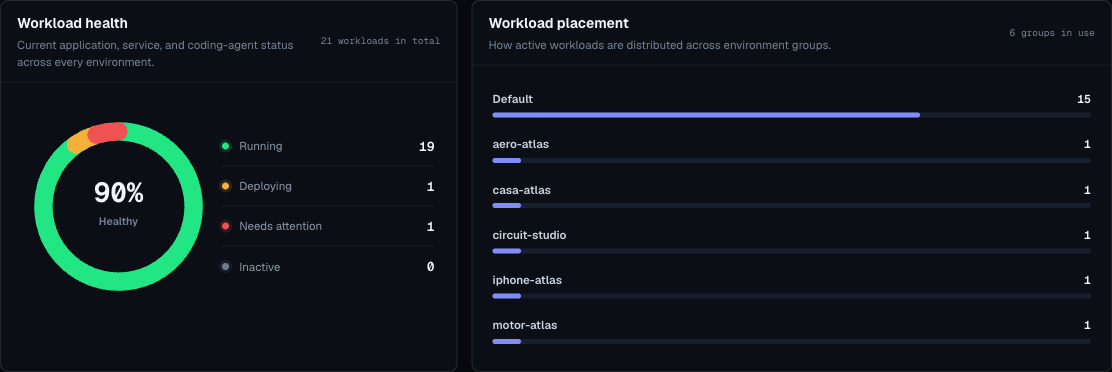
Moltern uses two levels:
| Level | Meaning |
|---|---|
| Environment group | A container for related environments, such as a product, team, or internal tool group. |
| Environment | A deployment target such as production, staging, development, or preview. |
When To Create A New Environment Group
Create a new environment group when workloads should be managed separately from another product or team.
Examples:
Customer PortalInternal ToolsAI LabMarketing SitesData Platform
When To Create A New Environment
Create a new environment when the same project needs more than one lifecycle stage.
Common environments:
productionstagingdevelopmentpreviewsandbox
Naming Guidance
Use short, obvious names:
- Good:
production,staging,ai-lab,internal-tools. - Avoid: names that only one person understands, names with dates, or names that mix multiple purposes.
Production Separation

Production should be separate from testing or preview work.
Use separate environments so that:
- Production variables are not reused in development.
- Temporary experiments do not crowd the production dashboard.
- Failed test deployments do not obscure production incidents.
- Billing usage can be understood by purpose.
Environment Checklist
Before deploying into a new environment, define:
- Owner.
- Purpose.
- Whether public routes are allowed.
- Which secrets belong there.
- Which services are shared.
- Whether the environment is temporary or long-lived.
- Expected cleanup date for preview or sandbox environments.
Empty Environment Rules
Moltern may require an environment to be empty before deletion. If deletion fails:
- Open applications and services filtered to that environment.
- Delete or move workloads that still belong to it.
- Confirm no dependency service remains.
- Retry environment deletion.