Workspace Operations
Workspace operations are the recurring actions that keep Moltern workloads understandable, secure, and cost controlled.
This page is for workspace owners and application operators. It focuses on what you can do from the Moltern UI.

Daily Review
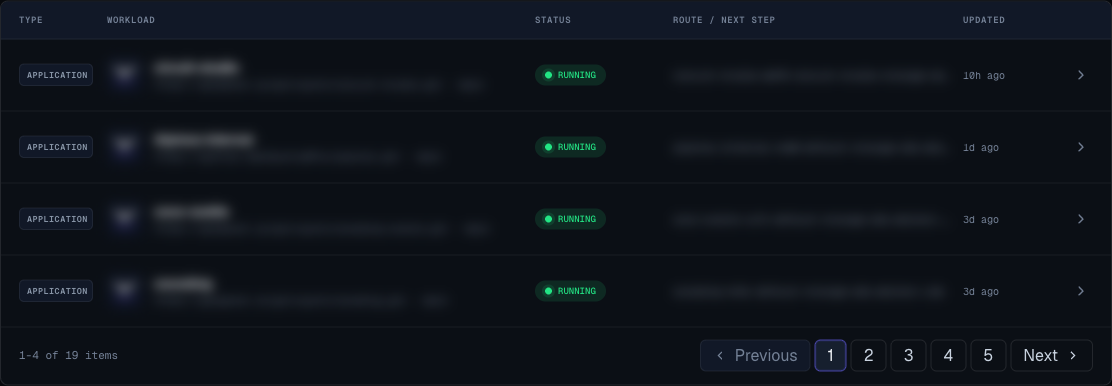
Start in the dashboard:
- Check the needs attention count.
- Open failed or crashing workloads.
- Review recent deployments.
- Confirm production routes are live.
- Check whether any service is sleeping before sharing a link.
- Review billing if a deploy or resize is blocked.
Weekly Review
For production workspaces:
- Review unused applications.
- Review unused catalog services.
- Remove temporary environments that are no longer needed.
- Check storage usage and reclaimable artifacts.
- Review webhook endpoints and owners.
- Confirm critical domains are active.
- Confirm production workloads have owners.
Change Management
Use this order for planned changes:
- Deploy to a non-production environment first when one exists.
- Check logs and route behavior.
- Confirm variables are correct.
- Review billing impact for size changes.
- Deploy to production.
- Watch deployment logs until success.
- Open the production route.
- Notify stakeholders when the change is complete.
Incident Triage
When a workload fails:
- Open the workload detail page.
- Read the recovery card or error hint.
- Open logs.
- Check recent variable changes.
- Check repository access for applications.
- Check billing or quota if the action was blocked.
- Retry only after correcting the likely cause.
- Record the cause and fix for future runbooks.
Ownership Model
Every production workload should have:
- Product or team owner.
- Technical owner.
- Environment.
- Public route decision.
- Variable owner.
- Storage owner.
- Billing owner.
- Recovery expectation.
What Not To Store In Moltern Docs
Public workspace docs should not expose:
- Real passwords or tokens.
- Private keys.
- Customer data.
- Internal network maps.
- Temporary incident credentials.
- Direct platform administration instructions.
Use Moltern variables and the receiving systems' secret managers for sensitive values.