Groups And Delegated Management
Groups represent departments, teams, projects, partner companies, or another people directory. A group can receive scoped access once, and every active member inherits that access.
Create A Group
- Open Organization -> Groups.
- Select New group.
- Enter a name and short description.
- Choose Department, Team, Project, External partner, or Custom.
- Save the group.
Creating a group does not create a workspace, storage allocation, or running workload.
Add Members
- Select the group.
- Select Add member.
- Choose an active organization member.
- Decide whether the person is a group manager.
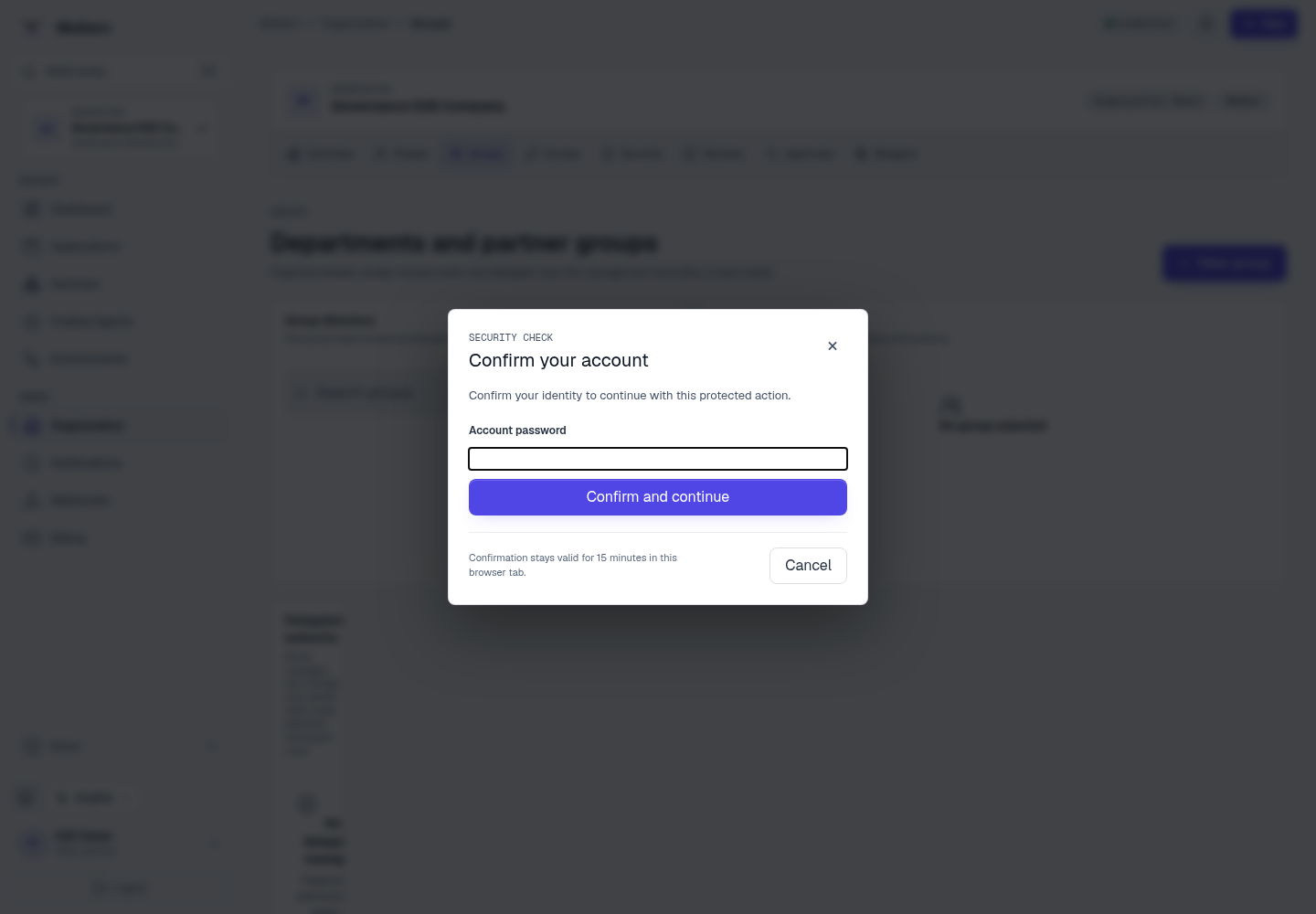
- Confirm the protected action.
Bulk import accepts one verified organization email or user ID per line and reports accepted and rejected rows separately.
Delegate Group Management
Delegation lets a trusted person manage one group without becoming an organization administrator.
- Select the group.
- Select Delegate manager.
- Choose a member of that group.
- Choose the workspace boundary.
- Set an optional end date.
- Review the roles that the manager may assign.
- Confirm the action.
A delegated manager can manage only the selected group, approved roles, and approved scope roots. They cannot change organization ownership, billing, identity, global policy, unrelated groups, or assign authority they do not possess.
Nested Groups
An organization can arrange a bounded group hierarchy. Access inherited through parent groups is recalculated when membership, status, hierarchy, or grants change. Moltern rejects cycles, excessive depth, and cross-organization parents.
Use nesting sparingly. A flat department or partner group is easier to review.
Suspend Or Archive A Group
Suspending or archiving a group immediately disables access inherited through that group. It does not delete the member accounts or their independent direct grants.
Expected Result
Group members receive only the group's active, in-scope grants. The Access view explains whether permission came directly, through a group, or through scope inheritance.
Troubleshooting
| Symptom | What to check |
|---|---|
| Member is absent from picker | Confirm they are an active member of the same organization. |
| Manager cannot change membership | Confirm the delegation is active, in date, and targets this group. |
| Role cannot be assigned | It may exceed the manager's grantable-role boundary. |
| Access disappeared | Check group status, parent status, grant expiry, and guest expiry. |